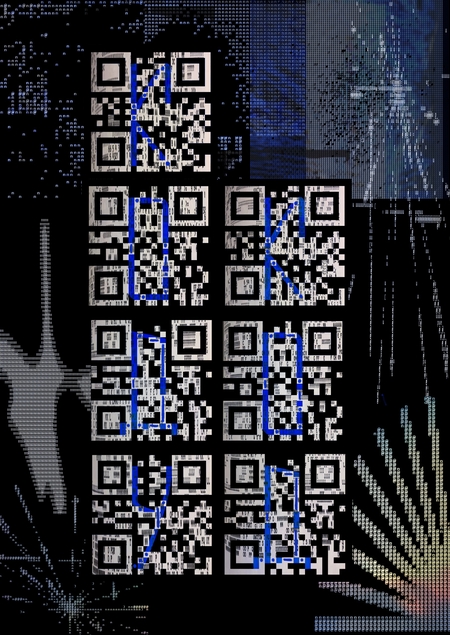
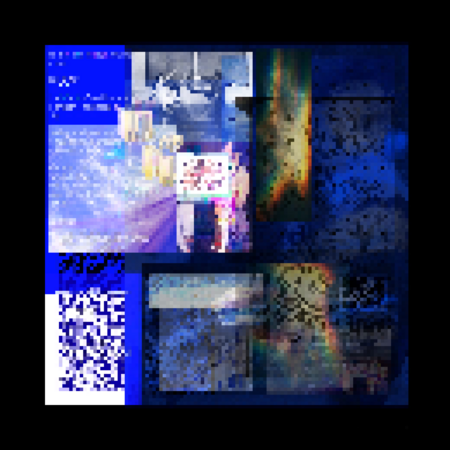
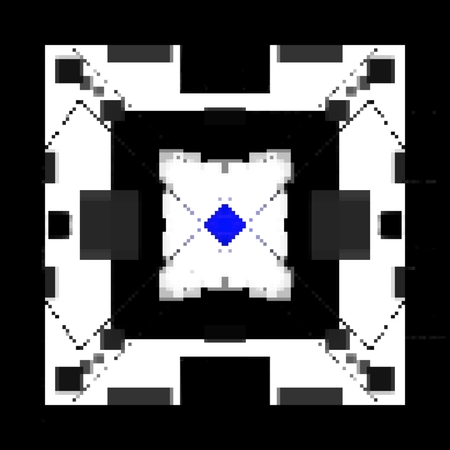
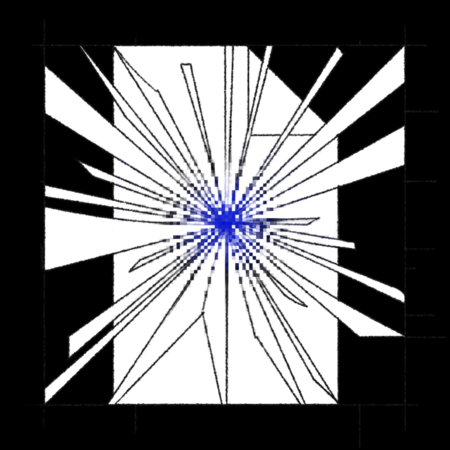
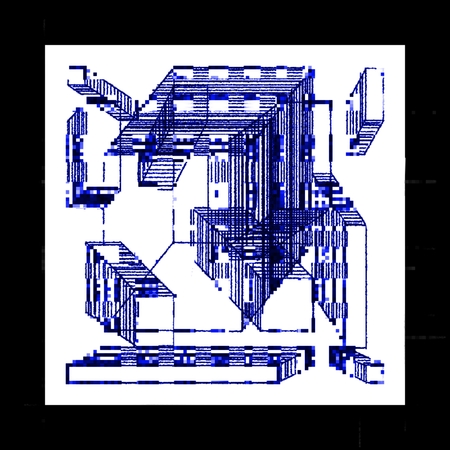
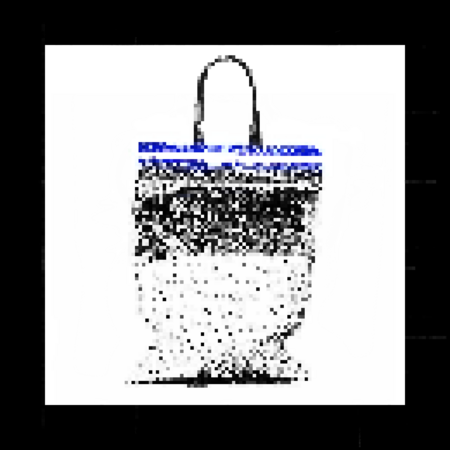
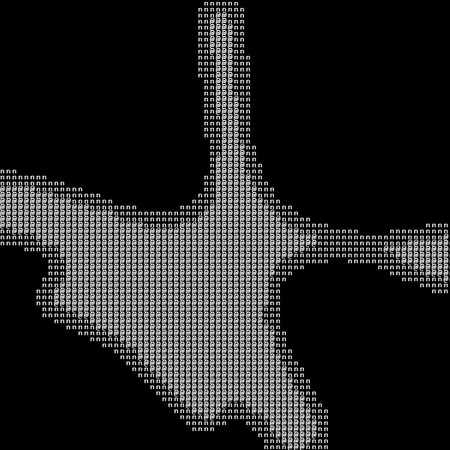
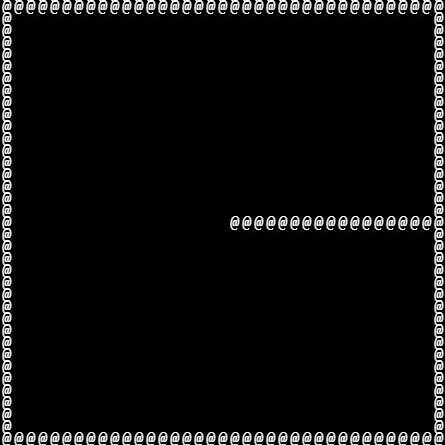
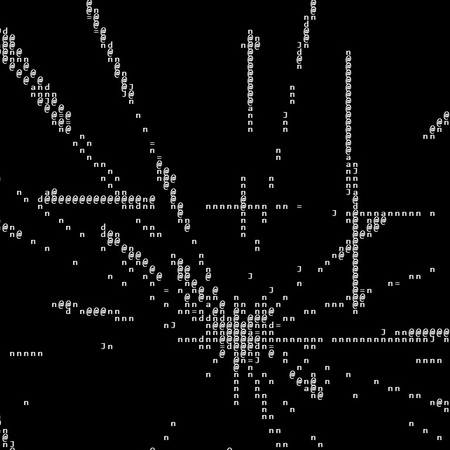
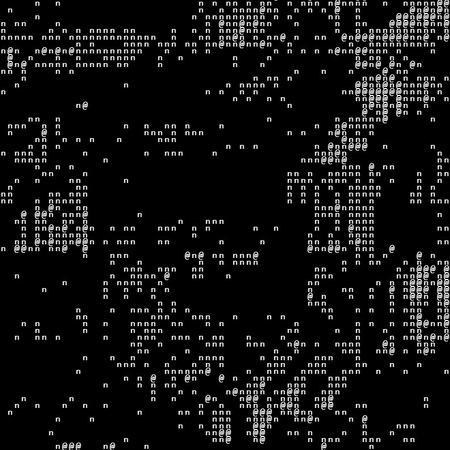
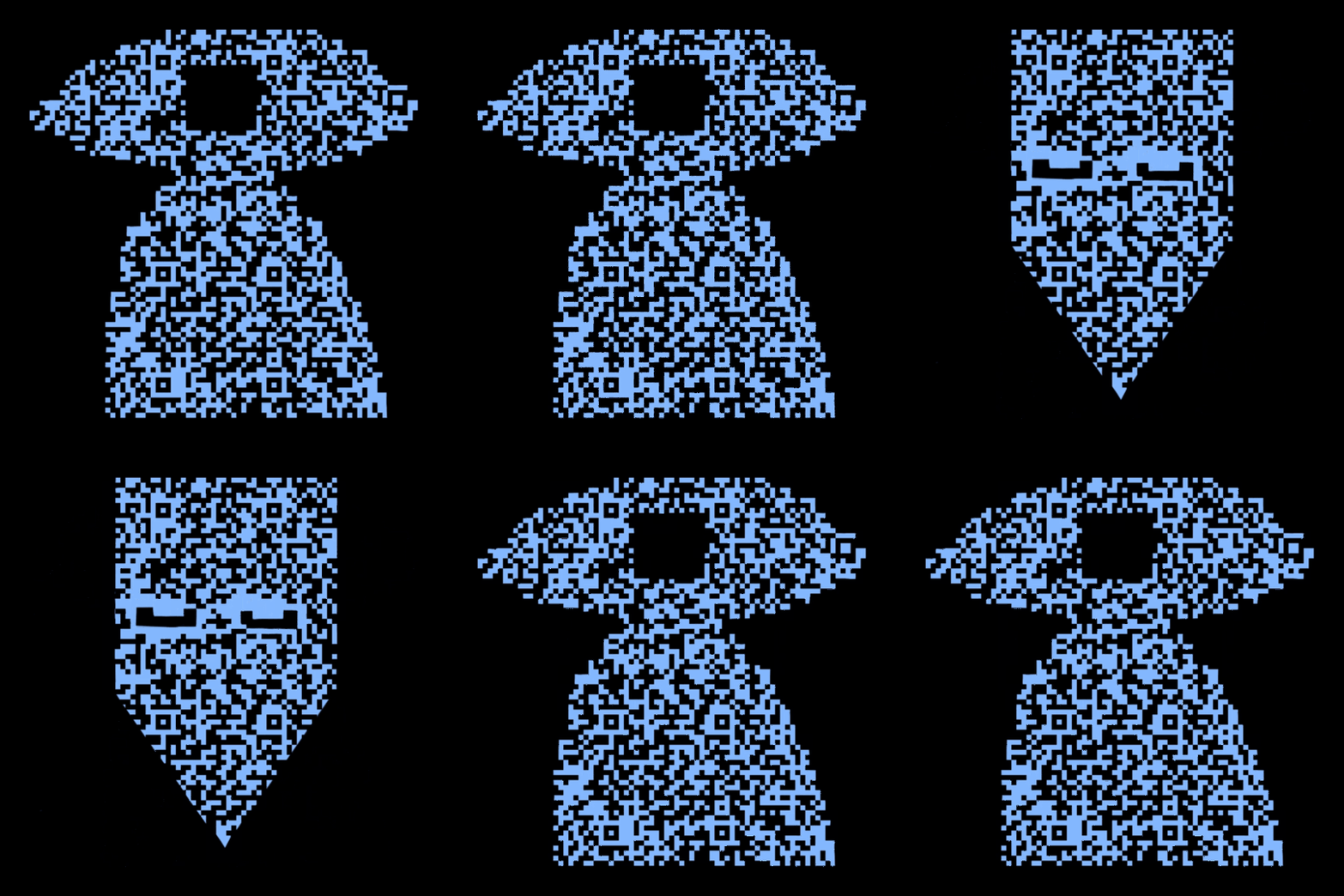
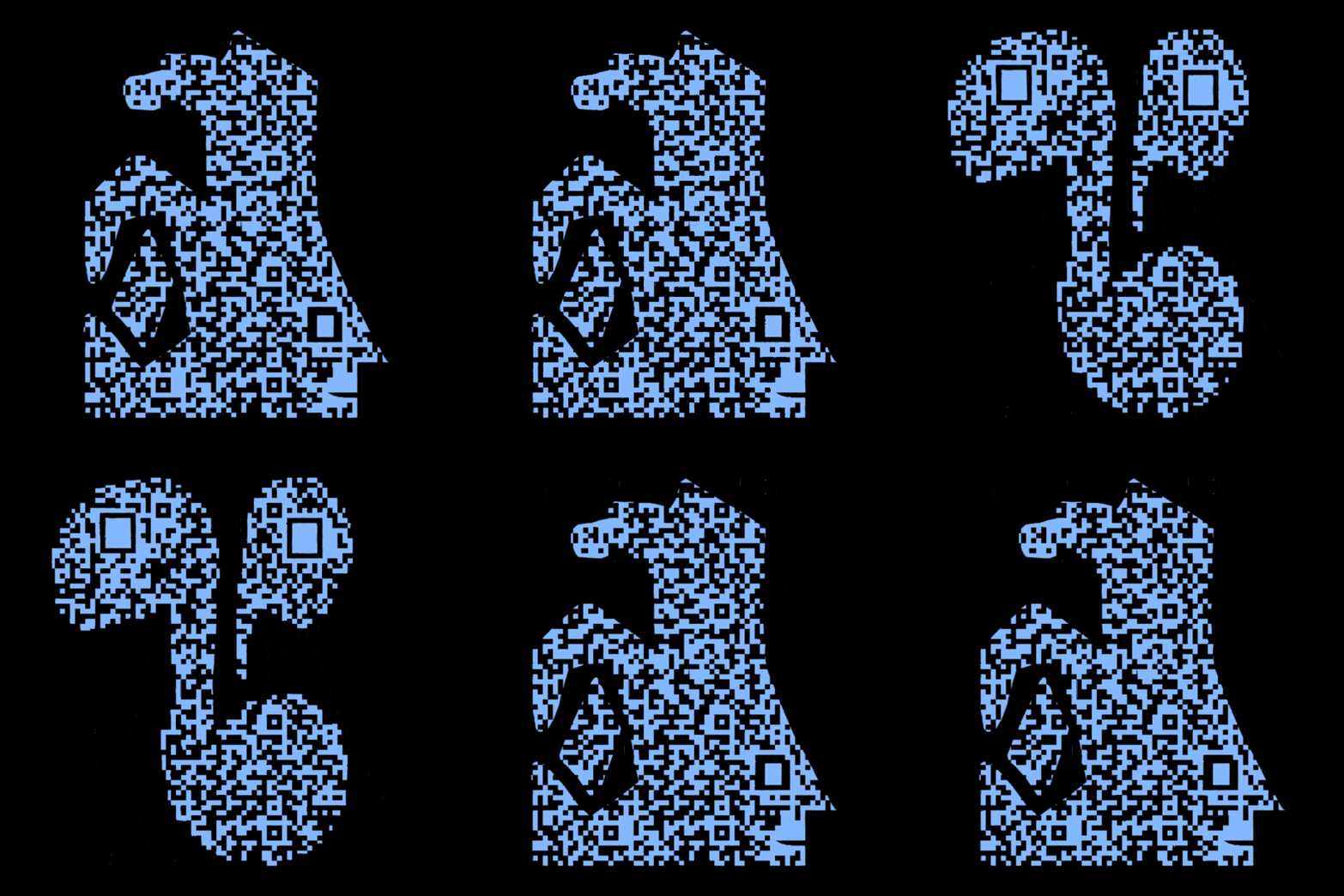
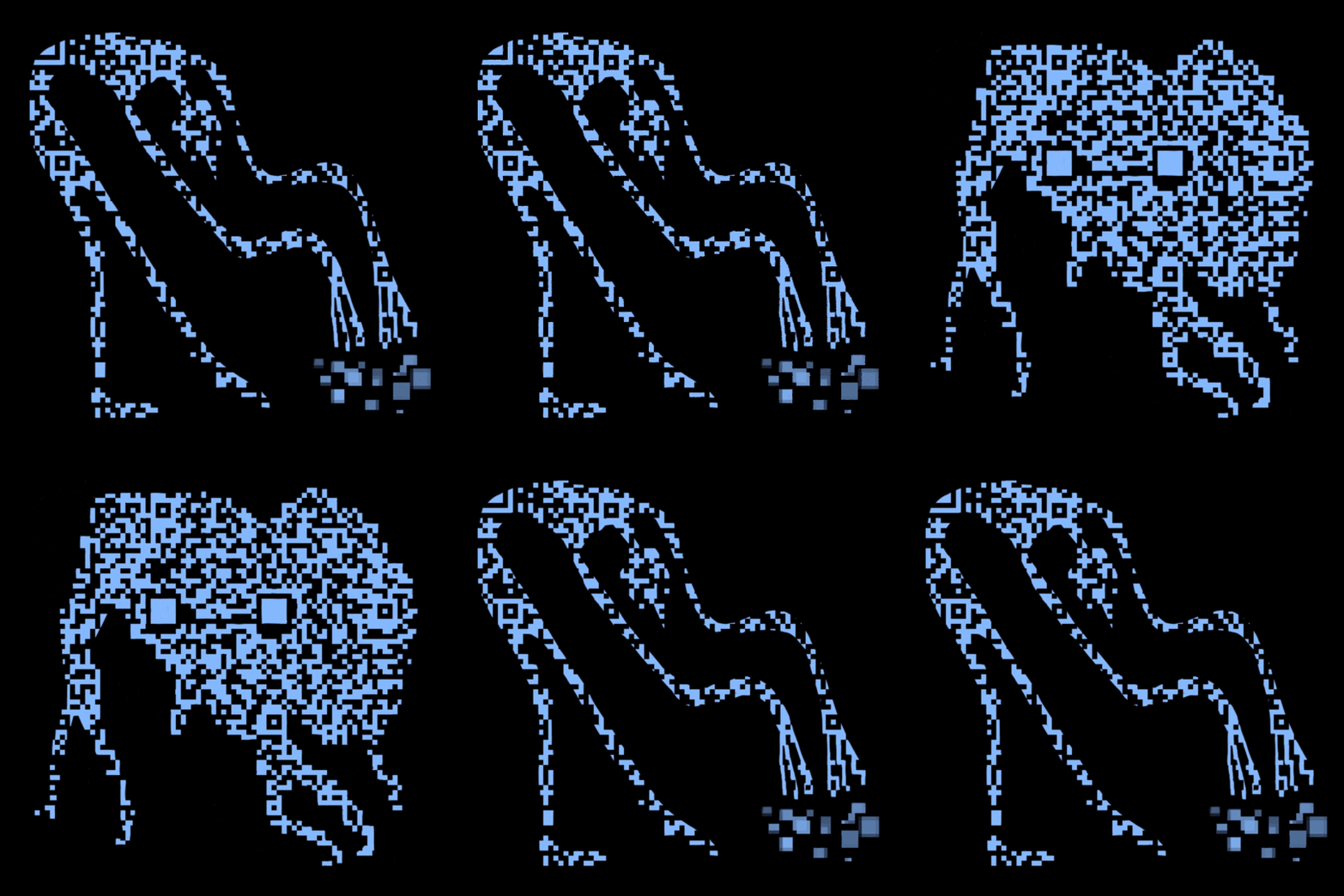
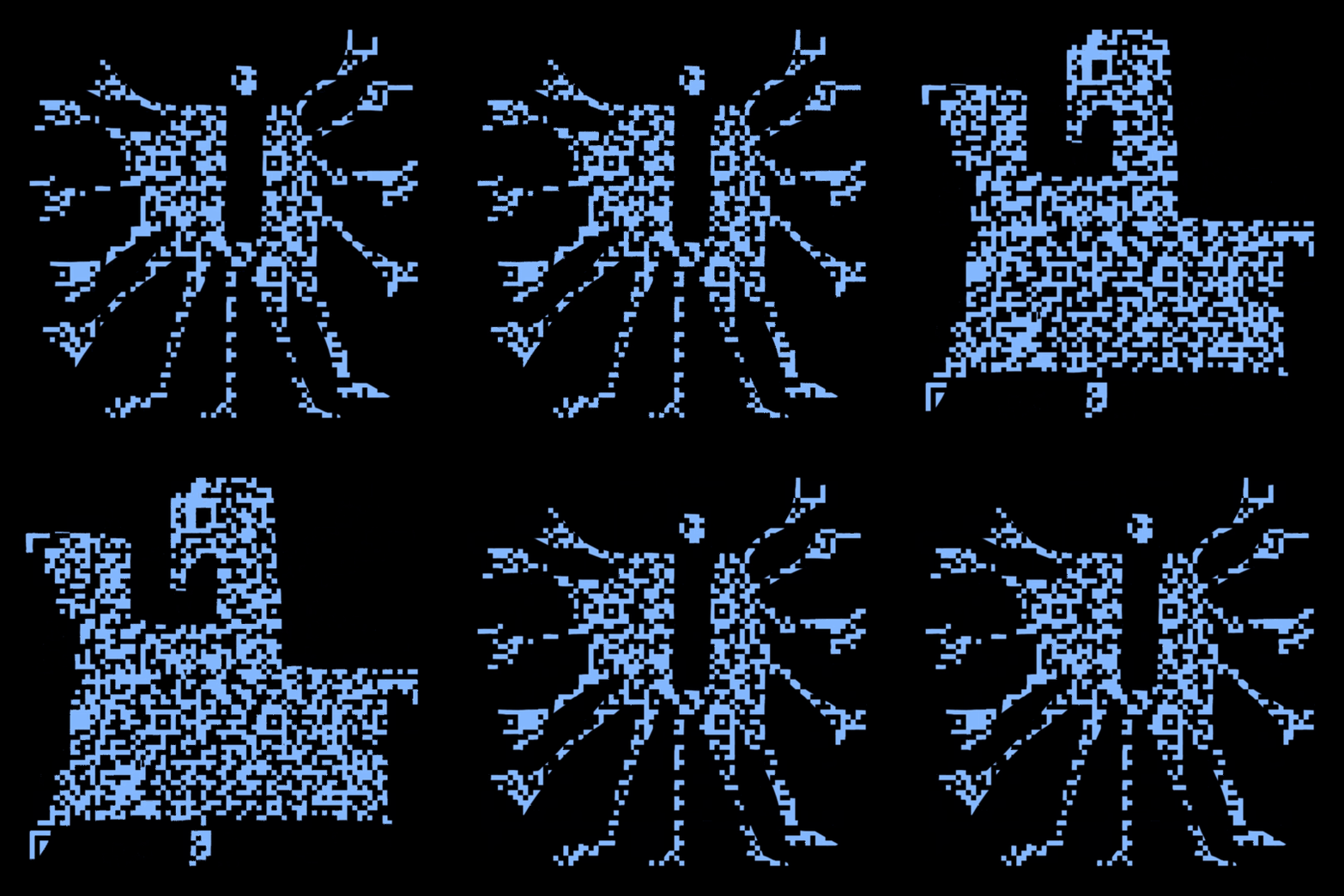
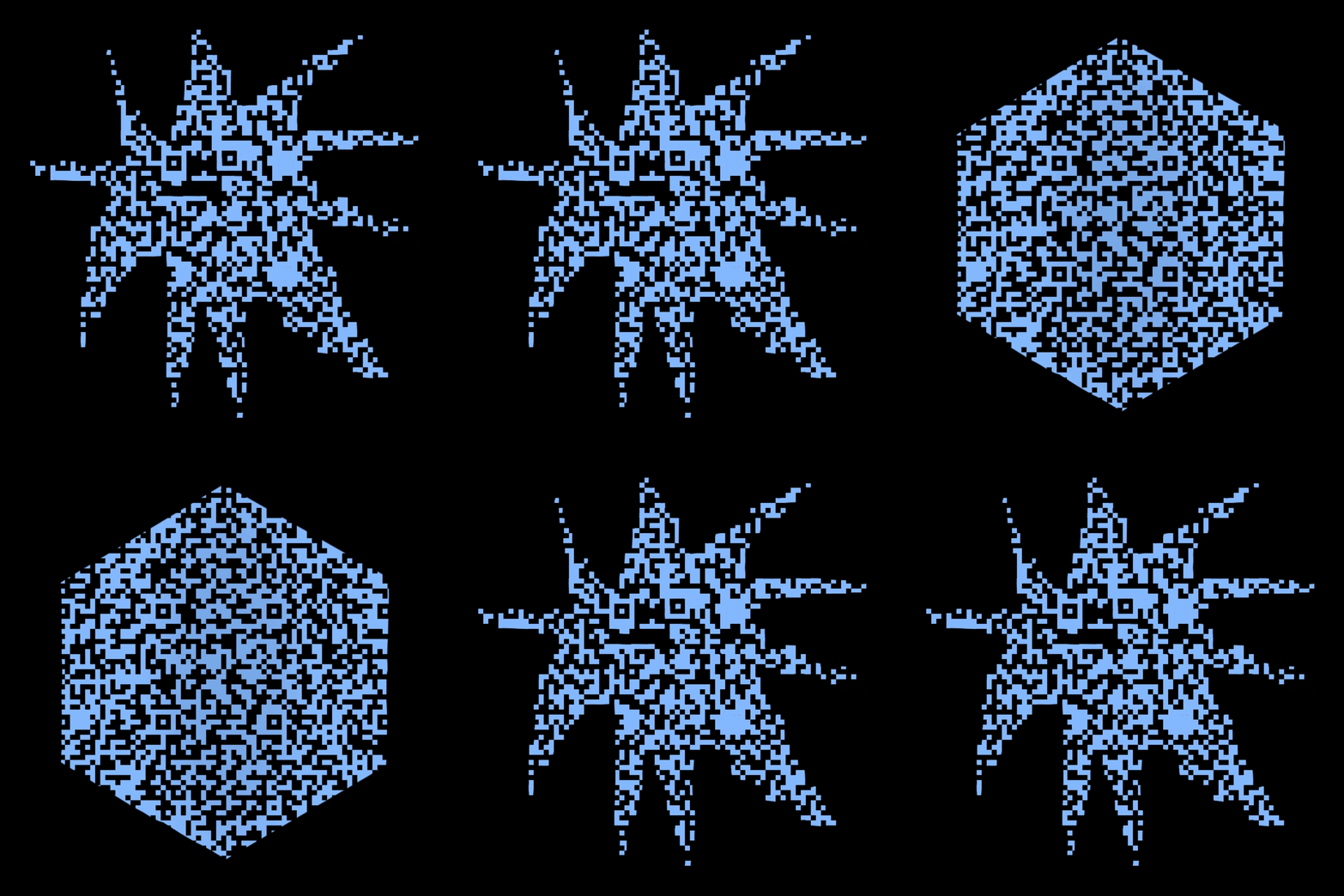
Qr-codea — это цифровое пространство, где все грани стираются. Здесь QR-коды перестают быть скучными черно-белыми квадратиками. Каждый код — это не просто набор пикселей, а цифровой организм, который способен думать, анализировать, чувствовать и ставить себе цели. Коды взаимодействуют друг с другом, создавая сложную сеть взаимоотношений, как в настоящем обществе.
Изучая проект, каждый зритель получает способность понять послания, оставленные кодами. Это симбиоз функциональности и креатива, где технологии становятся частью художественного высказывания и помогают глубже понять то, что было неясно.
Маргарита Титова создала цифровое пространство Qr-codea, в котором QR-коды становятся живыми организмами, способными взаимодействовать и создавать сложные сети отношений. Проект включает в себя посты, посвящённые темам, таким как флаги стран, индексы профессий, иероглифы и иерархия.
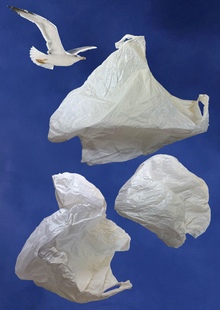
Татьяна Николаева создала проект о жизни полиэтиленовых пакетов как носителей шуршащей речи и сопротивления пластиковой замене. Проект представляет собой текст, описывающий повседневные разговоры и проблемы пакетов в их среде обитания.
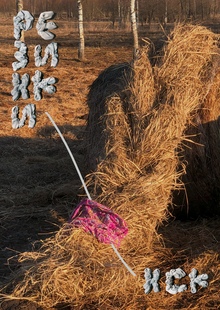
Евгения Яровицына создала город резинок с уникальными жителями и культурой. Проект включает флаги, иероглифы, персонажей и арт-объект, отражающие особенности народа резинок.
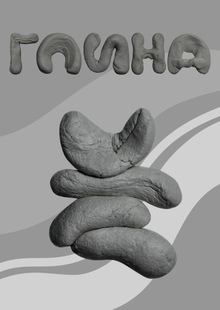
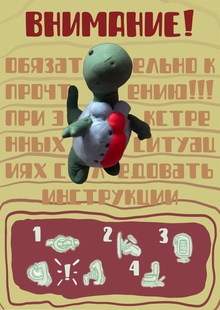
Сима Бозалп создала проект о динозаврах из компании DINOPORT, представленный в формате серии постов. В проекте описаны уникальные элементы культуры динозавров, включая флаг, иероглифы и иерархию аэропорта.
Мы используем файлы cookies для улучшения работы сайта и большего удобства его использования. Более подробную информац...
Показать больше
Press space bar to start a drag.
When dragging you can use the arrow keys to move the item around and escape to cancel.
Some screen readers may require you to be in focus mode or to use your pass through key
Press space bar to start a drag.
When dragging you can use the arrow keys to move the item around and escape to cancel.
Some screen readers may require you to be in focus mode or to use your pass through key
Press space bar to start a drag.
When dragging you can use the arrow keys to move the item around and escape to cancel.
Some screen readers may require you to be in focus mode or to use your pass through key
Press space bar to start a drag.
When dragging you can use the arrow keys to move the item around and escape to cancel.
Some screen readers may require you to be in focus mode or to use your pass through key
Press space bar to start a drag.
When dragging you can use the arrow keys to move the item around and escape to cancel.
Some screen readers may require you to be in focus mode or to use your pass through key
Press space bar to start a drag.
When dragging you can use the arrow keys to move the item around and escape to cancel.
Some screen readers may require you to be in focus mode or to use your pass through key
Press space bar to start a drag.
When dragging you can use the arrow keys to move the item around and escape to cancel.
Some screen readers may require you to be in focus mode or to use your pass through key
Press space bar to start a drag.
When dragging you can use the arrow keys to move the item around and escape to cancel.
Some screen readers may require you to be in focus mode or to use your pass through key
Press space bar to start a drag.
When dragging you can use the arrow keys to move the item around and escape to cancel.
Some screen readers may require you to be in focus mode or to use your pass through key
Press space bar to start a drag.
When dragging you can use the arrow keys to move the item around and escape to cancel.
Some screen readers may require you to be in focus mode or to use your pass through key
Press space bar to start a drag.
When dragging you can use the arrow keys to move the item around and escape to cancel.
Some screen readers may require you to be in focus mode or to use your pass through key