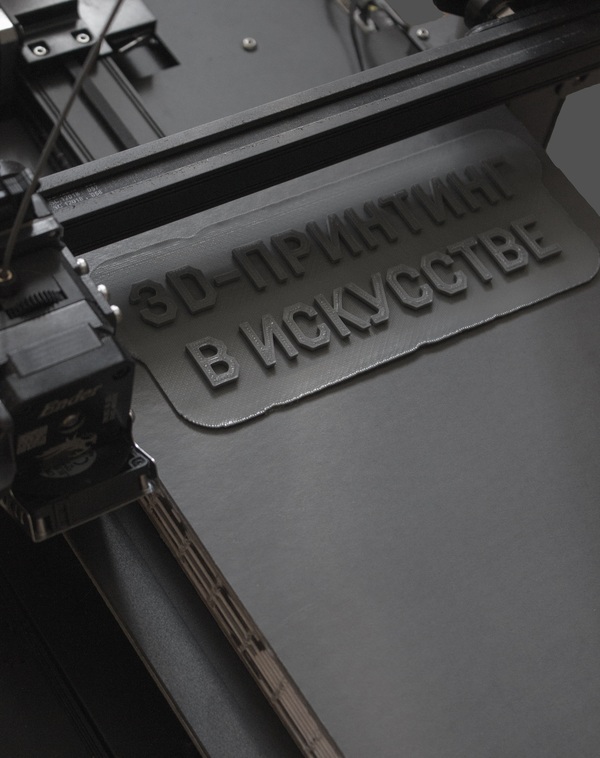
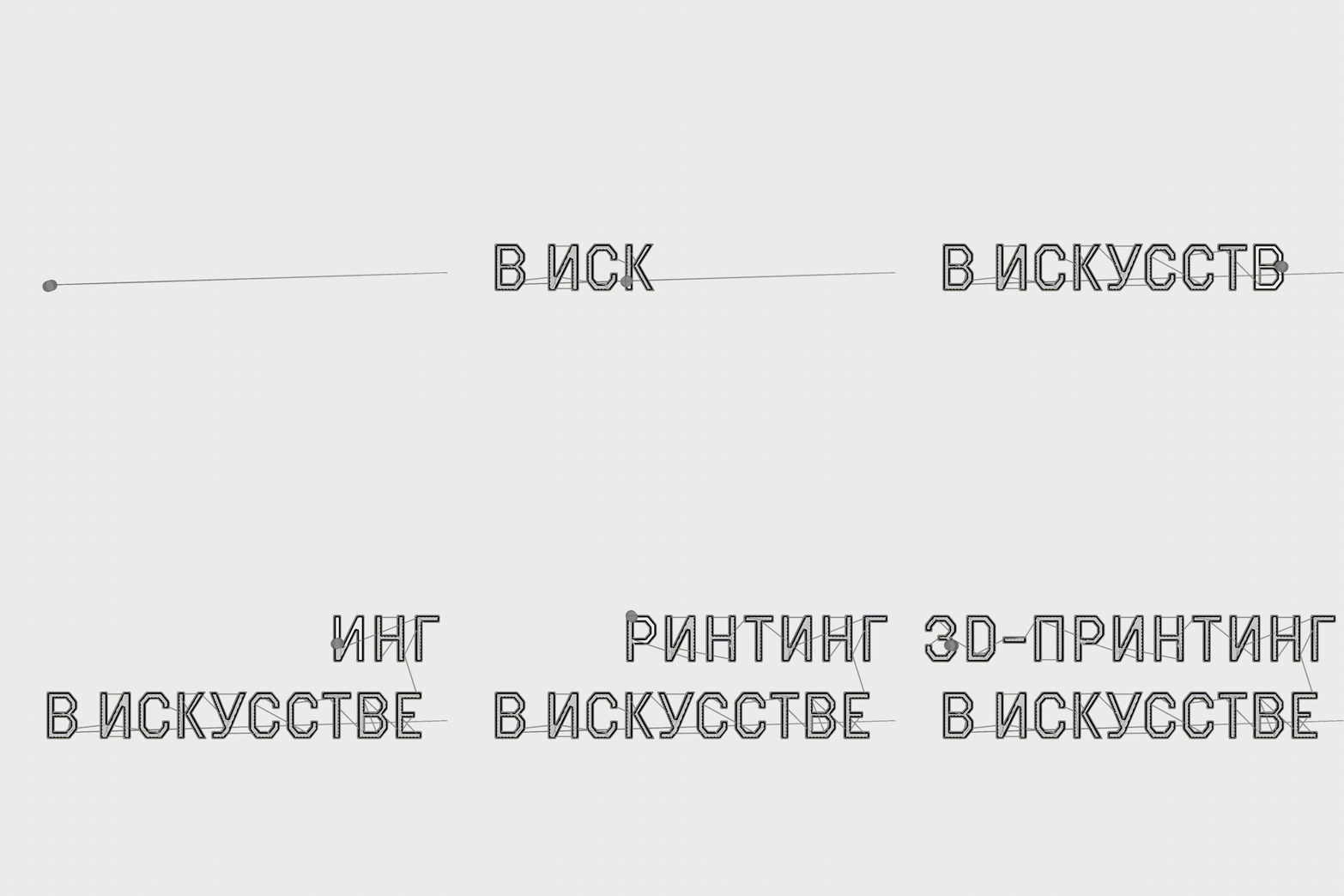
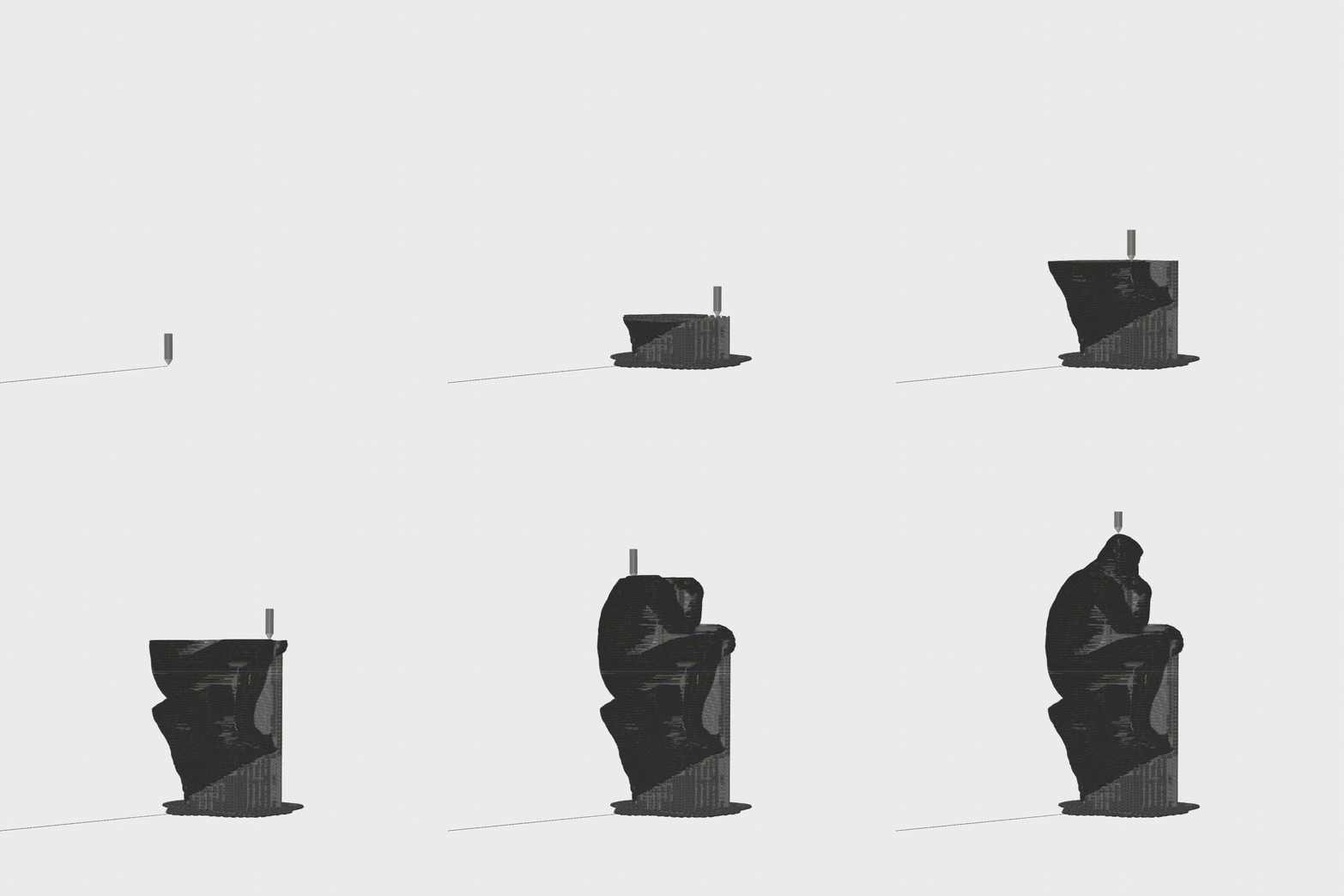
3D-принтинг в искусстве — это не только про доступность и лёгкость, но еще и про математическую точность, data-driven скульптуры, выход за рамки и демократичное искусство. Своё исследование я посвящаю 3d-печати и рассказываю, почему этому медиуму в искусстве доступно больше, чем другим
Исходный размер 4879x3659
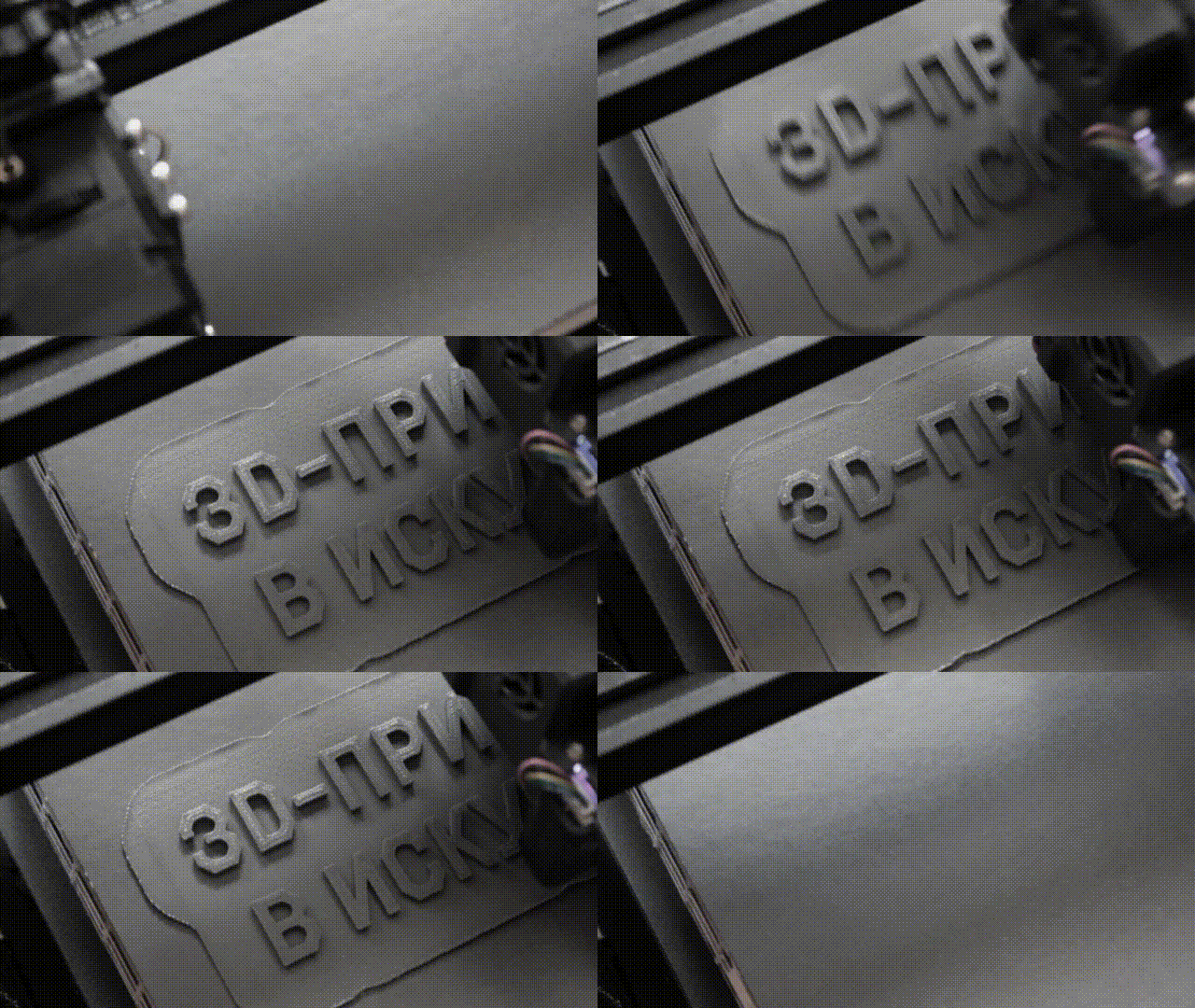
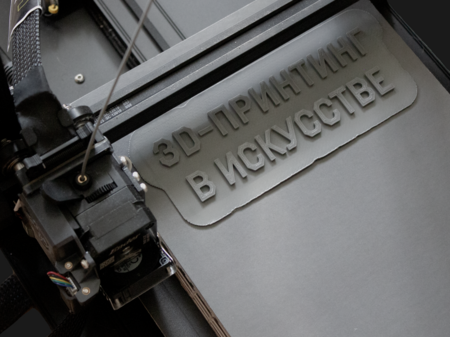
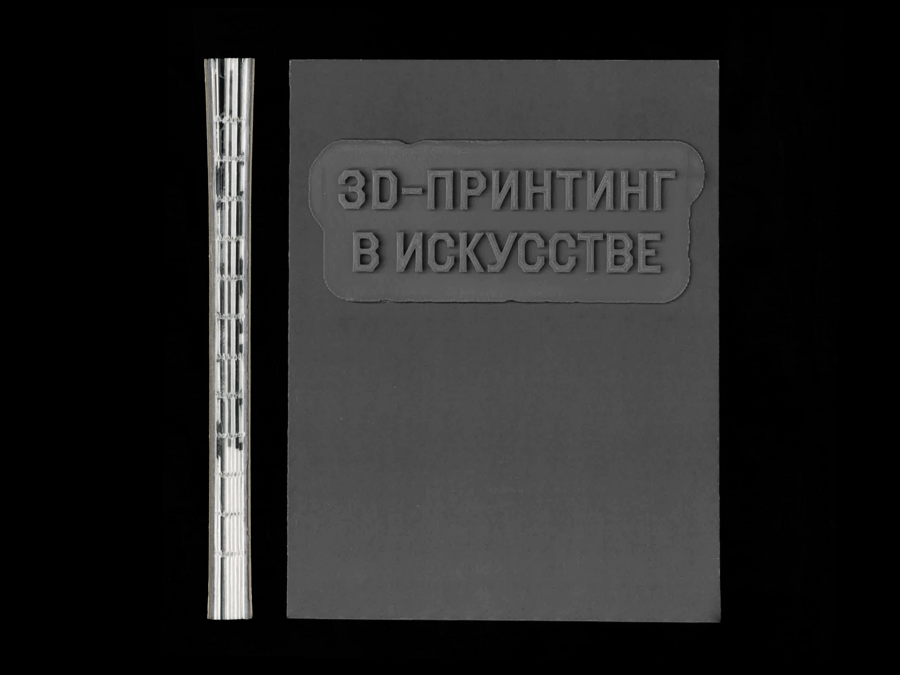
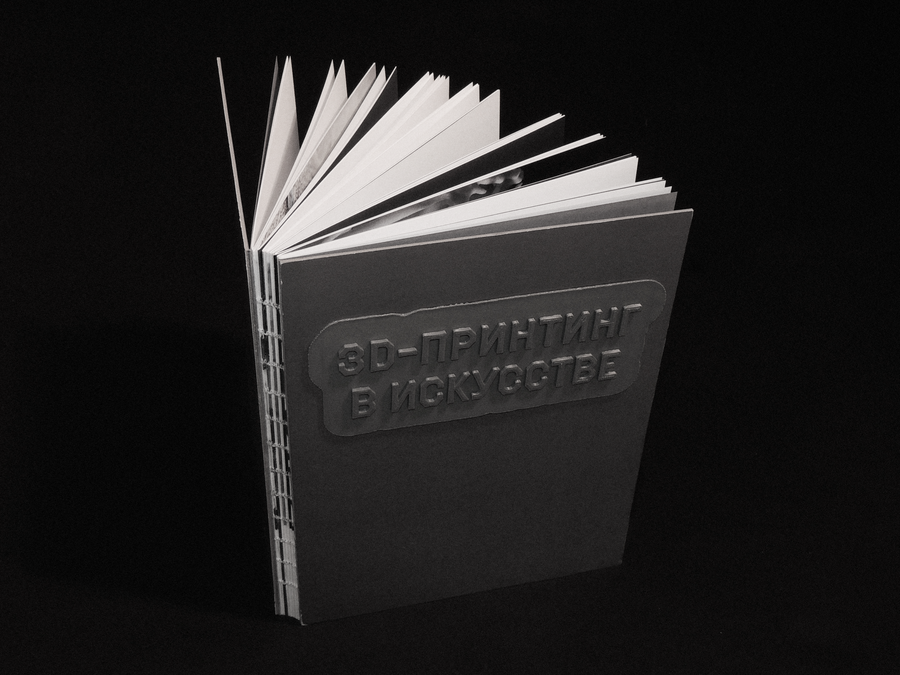
Процесс печати обложки
Исходный размер 3730x2798
Исходный размер 4879x3659
Исходный размер 4879x3659
Исходный размер 2500x1875
Исходный размер 4879x3659
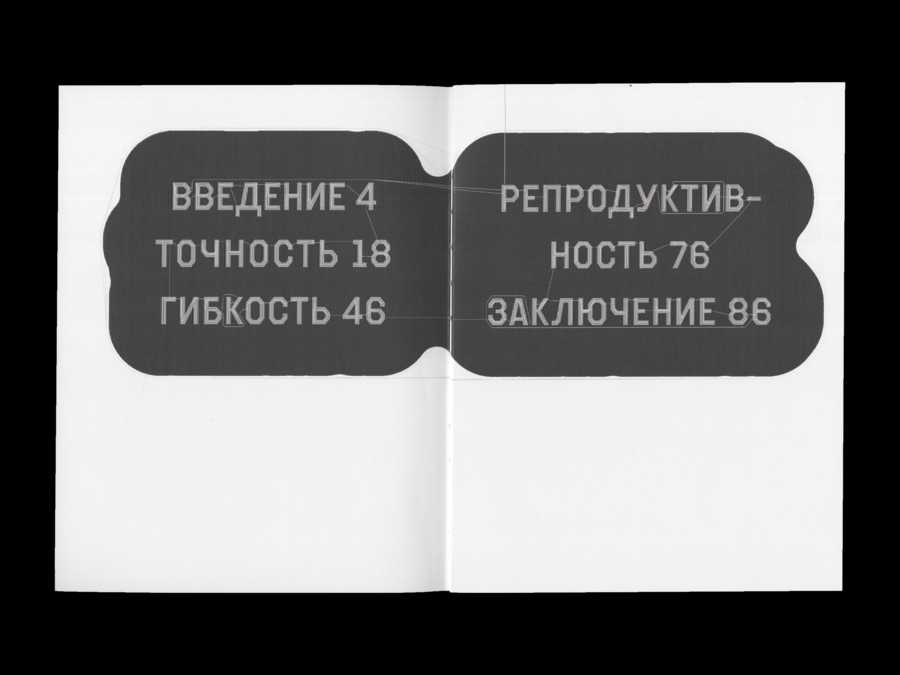
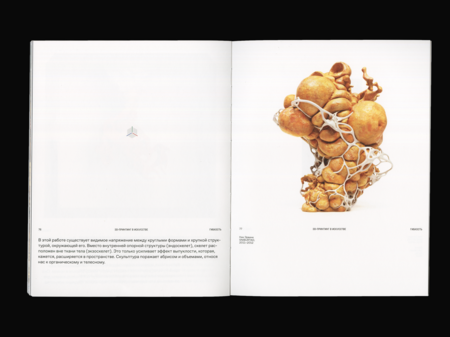
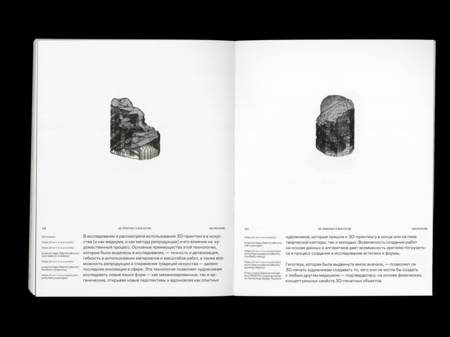
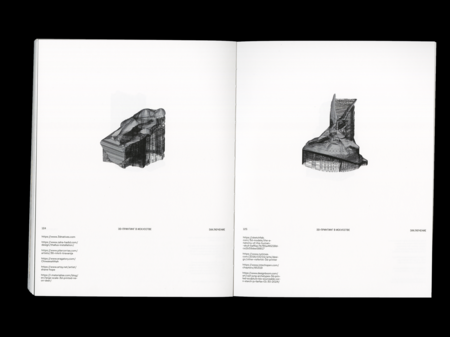
В основе верстки лежит форма принтера — в итоге на полосе с помощью колонэлементов я разграничиваю квадрат, который имитирует платформу, на которой печатаются фигуры. Здесь появляются изображения и все графические элементы. Вниз выносятся блоки основного текста, подписей и сносок
Исходный размер 4879x3659
Исходный размер 4879x3659
Исходный размер 4879x3659
Исходный размер 4096x3072
Исходный размер 4879x3659
Исходный размер 4879x3659
На разворотах появляются изображения-иконки, на которых наложен эффект тиснения. Таким образом они стилистически перекликаются с 3D-печатными работами
Исходный размер 4879x3659
Исходный размер 4879x3659
Исходный размер 4879x3659
Исходный размер 2500x1875
Исходный размер 4096x3072
Исходный размер 4879x3659

Исходный размер 4608x3072
Исходный размер 4608x3072
Исходный размер 2500x3257