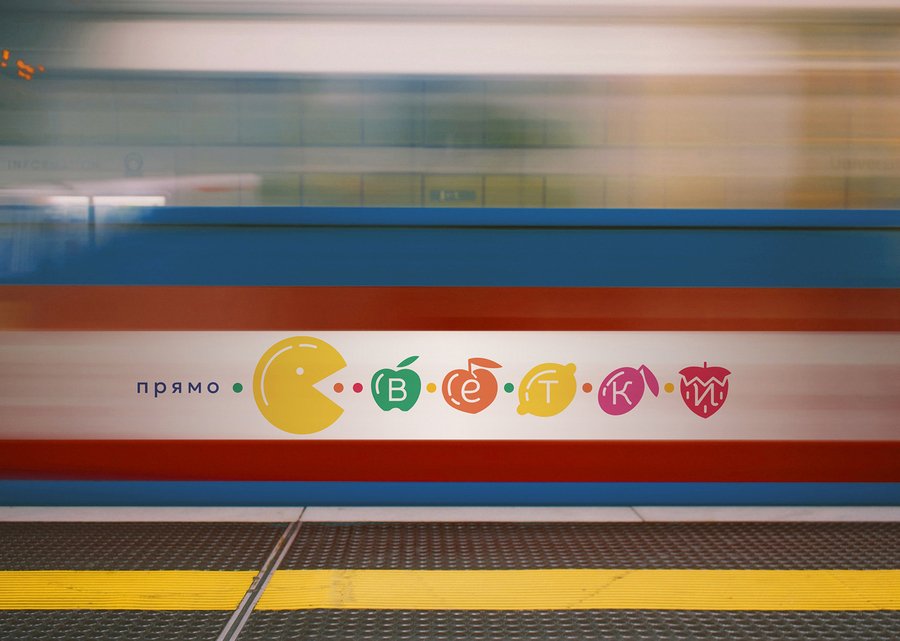
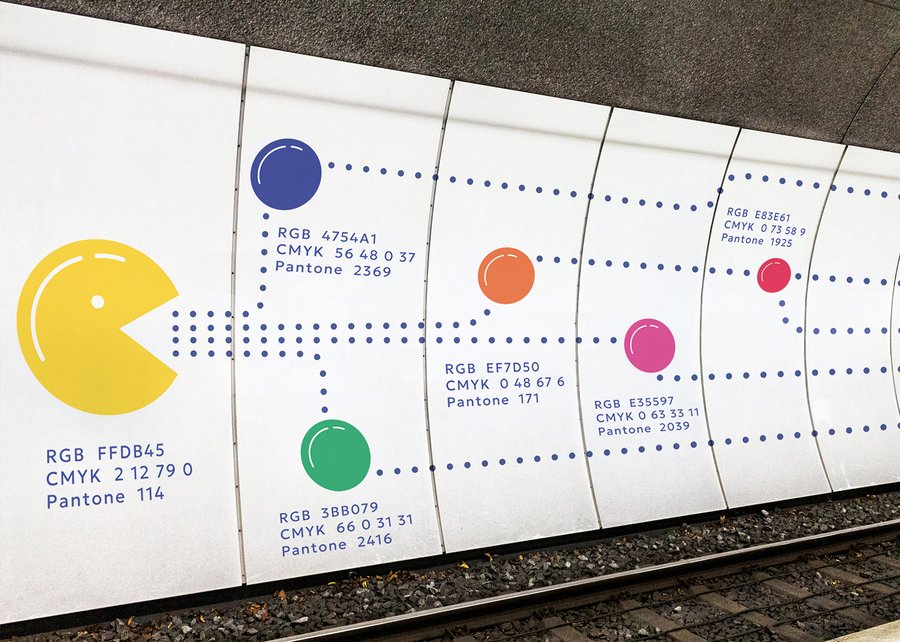
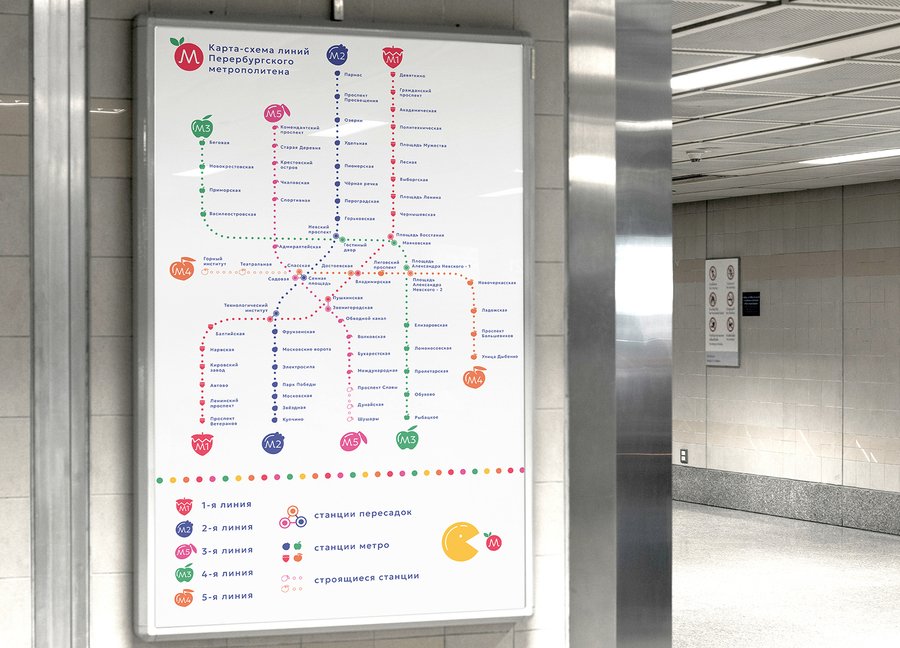
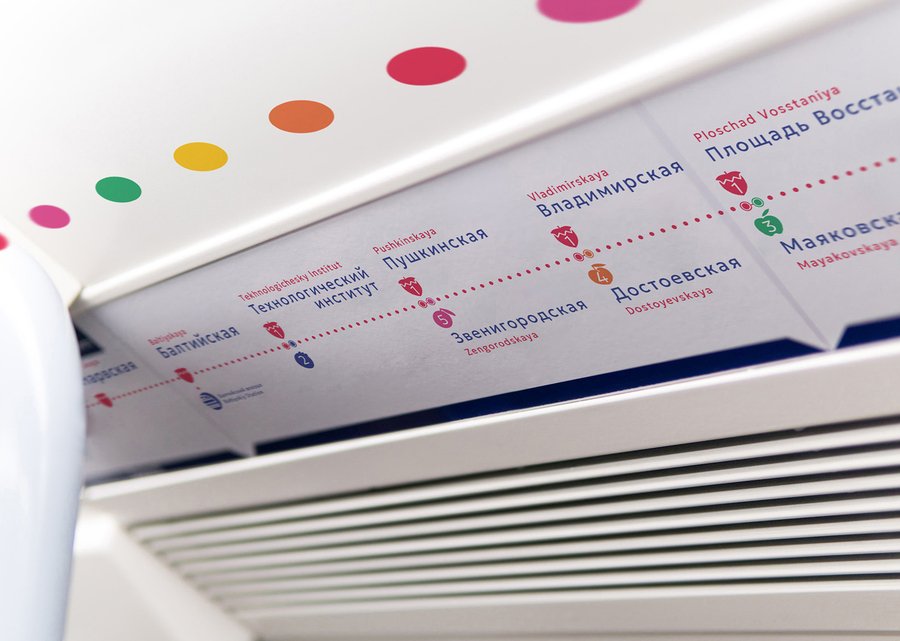
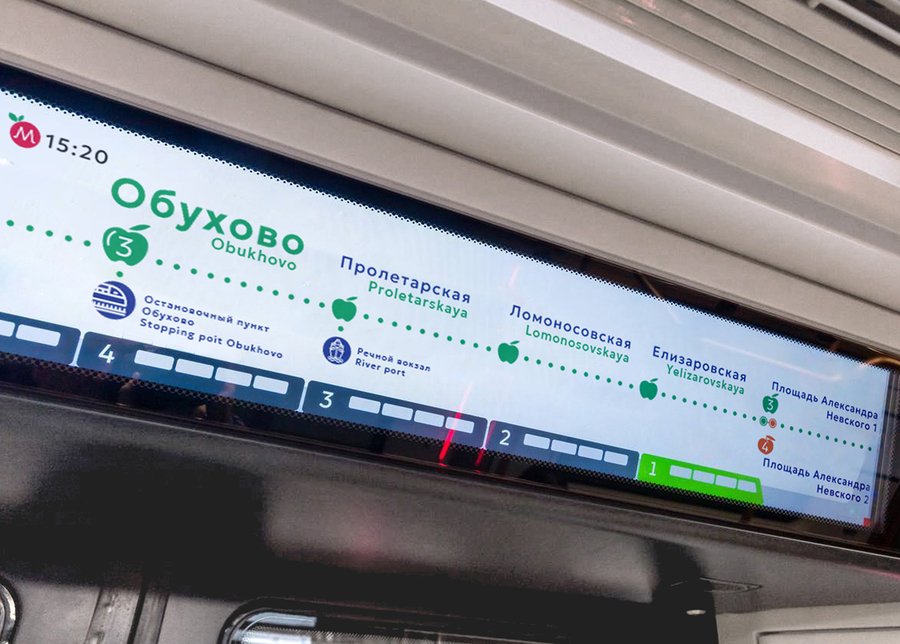
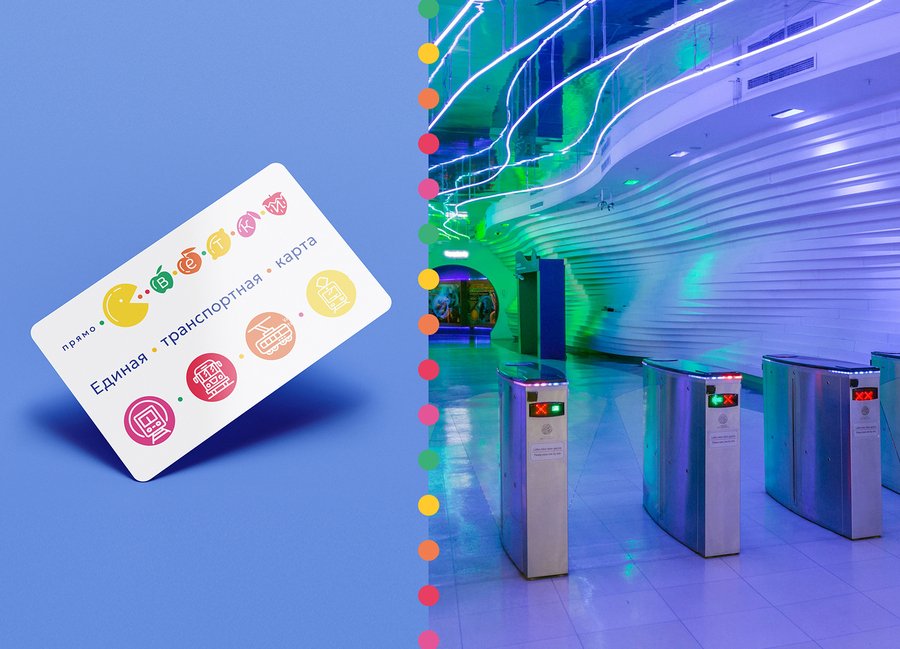
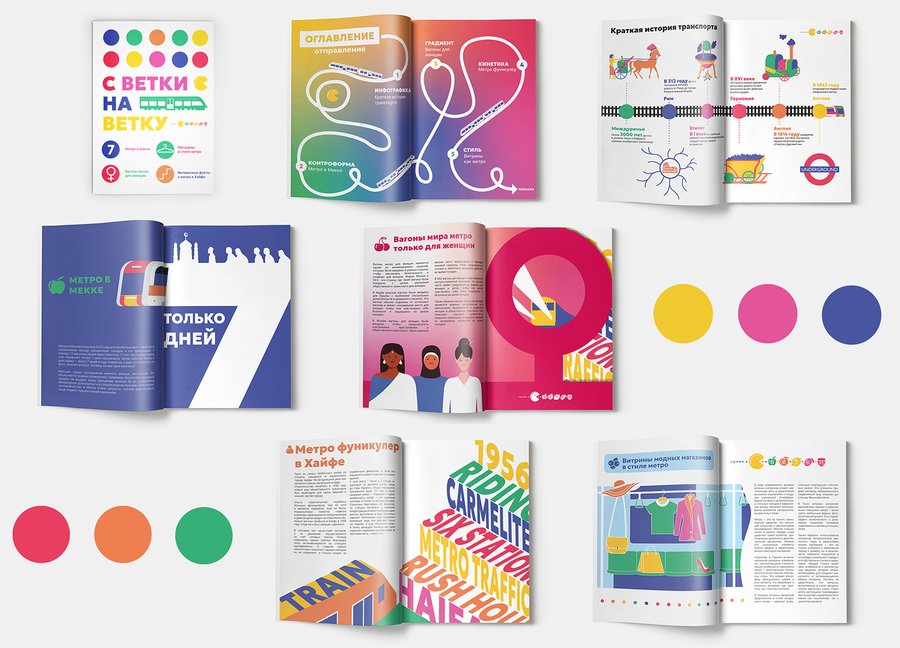
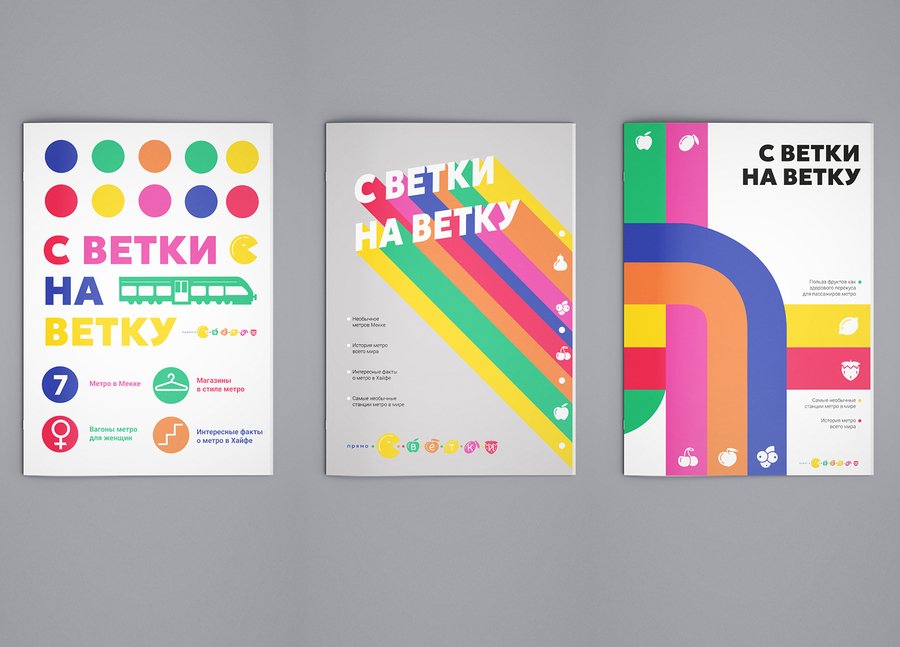
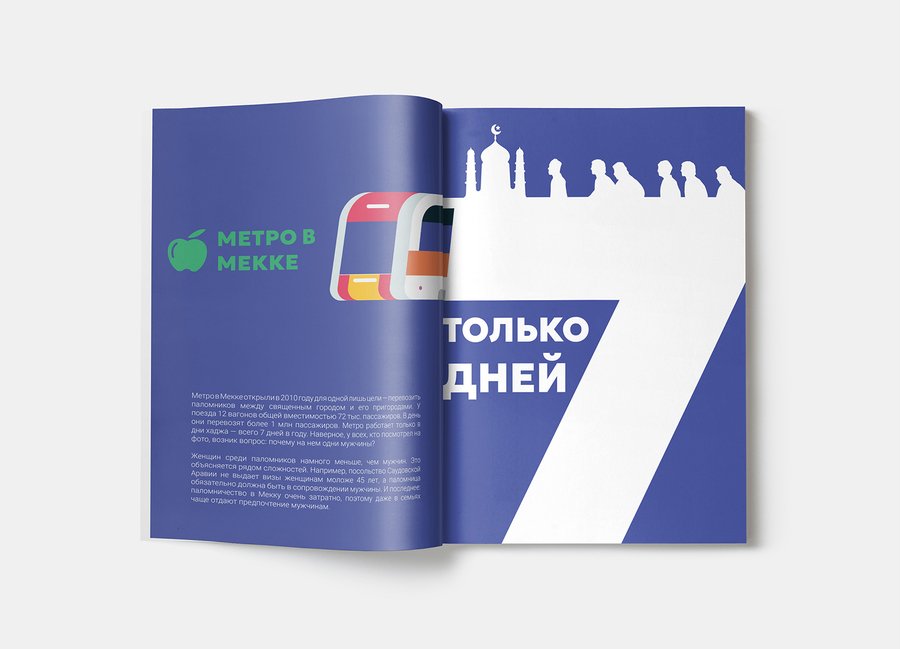
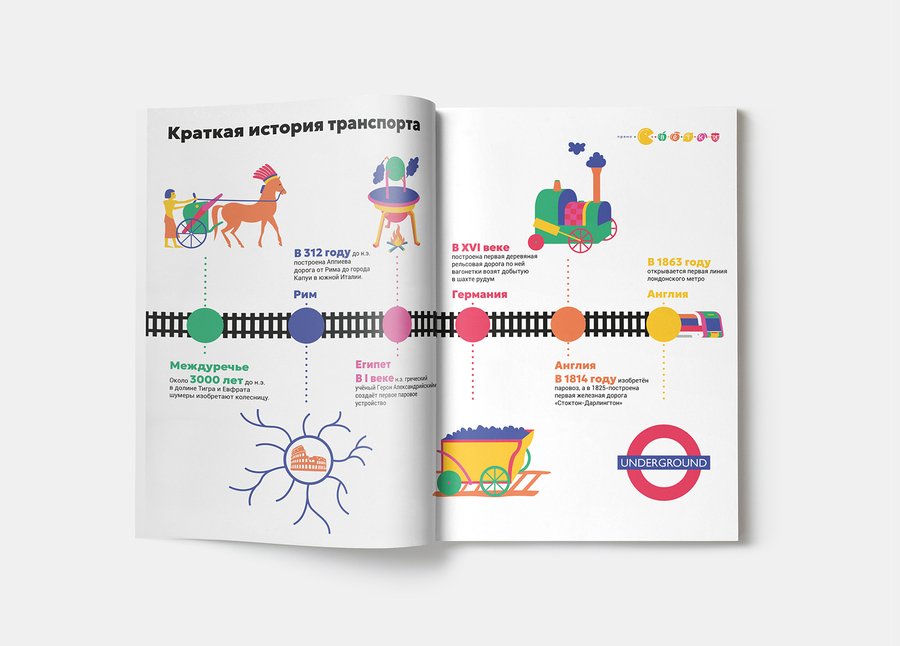
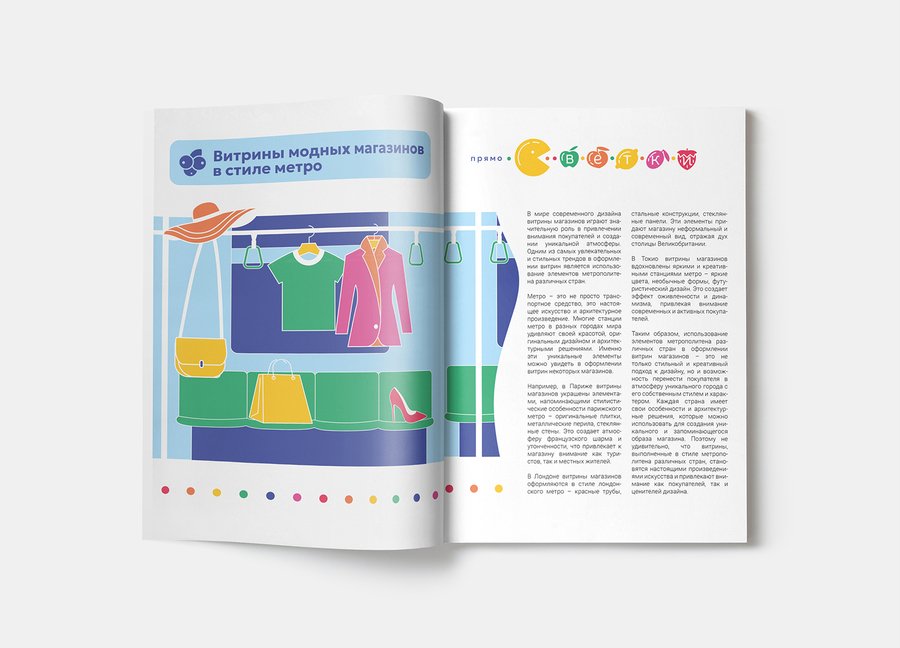
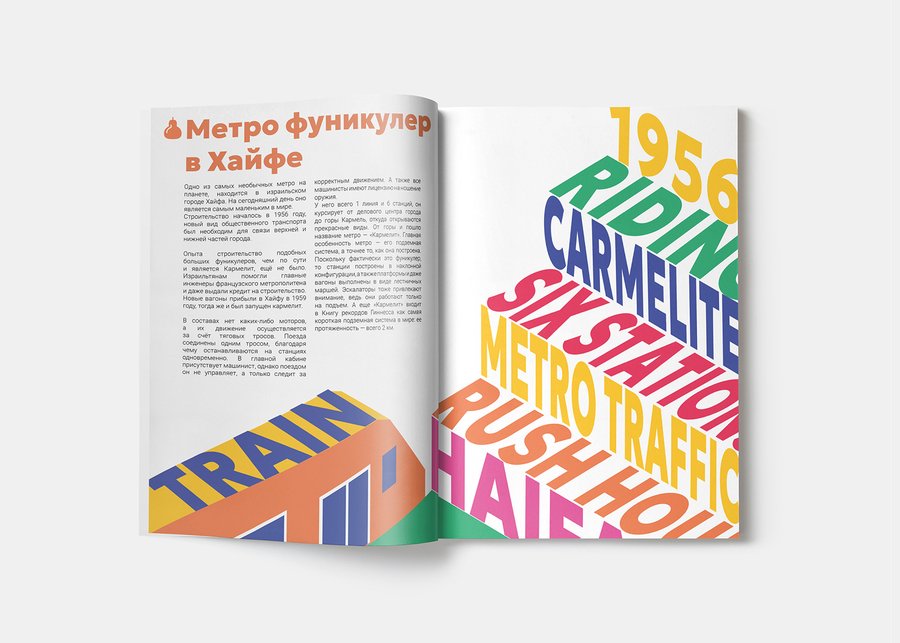
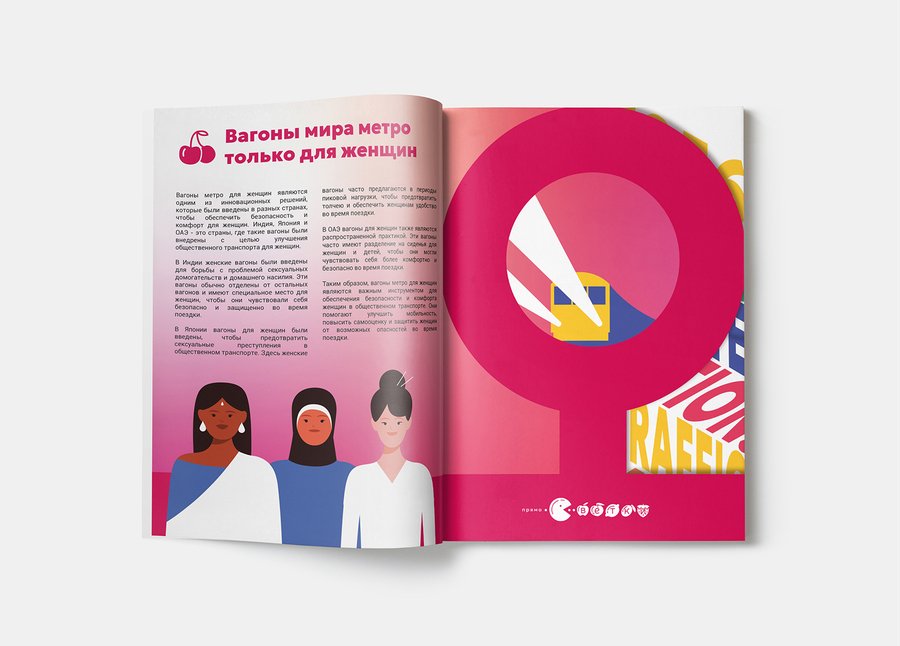
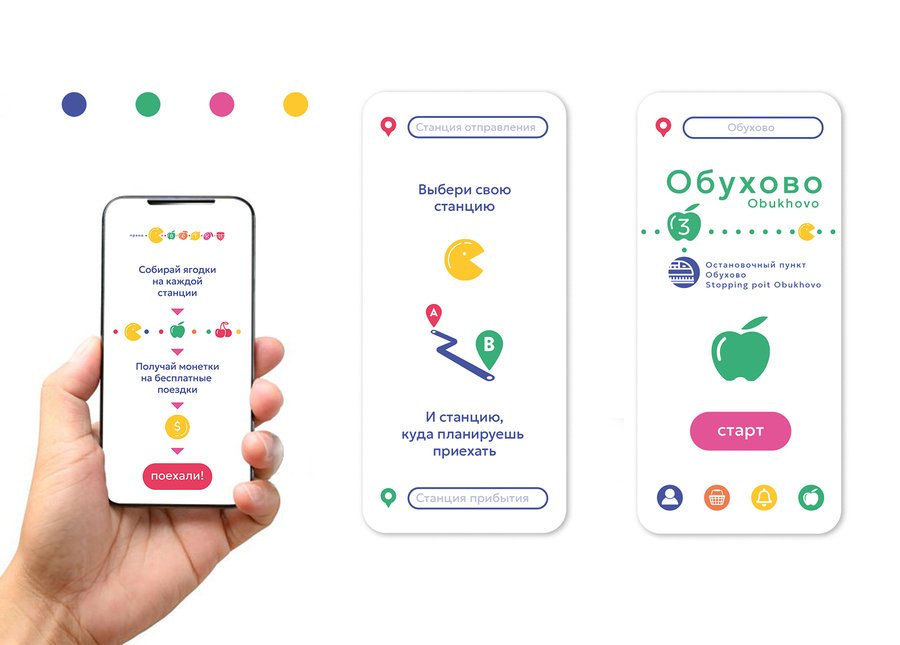
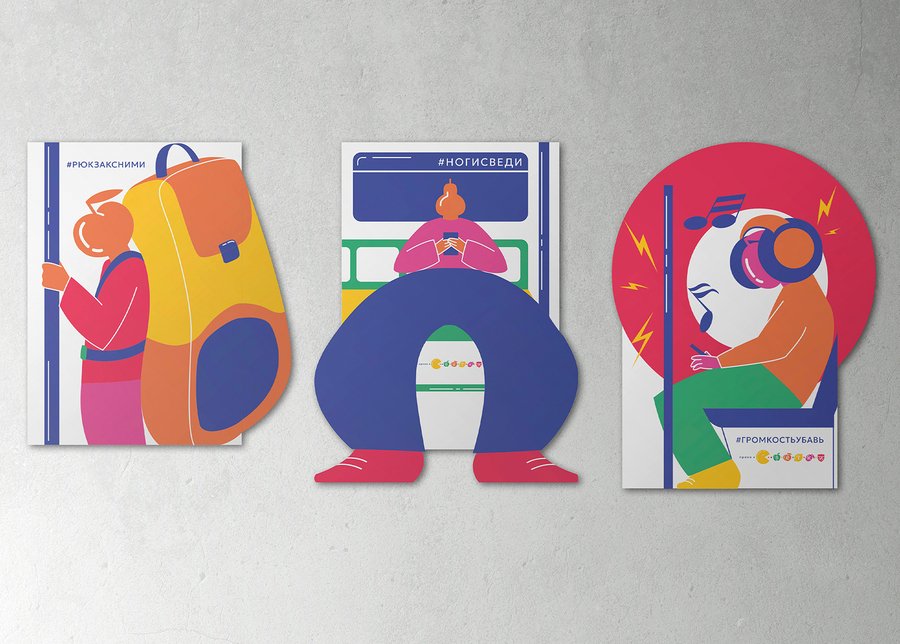
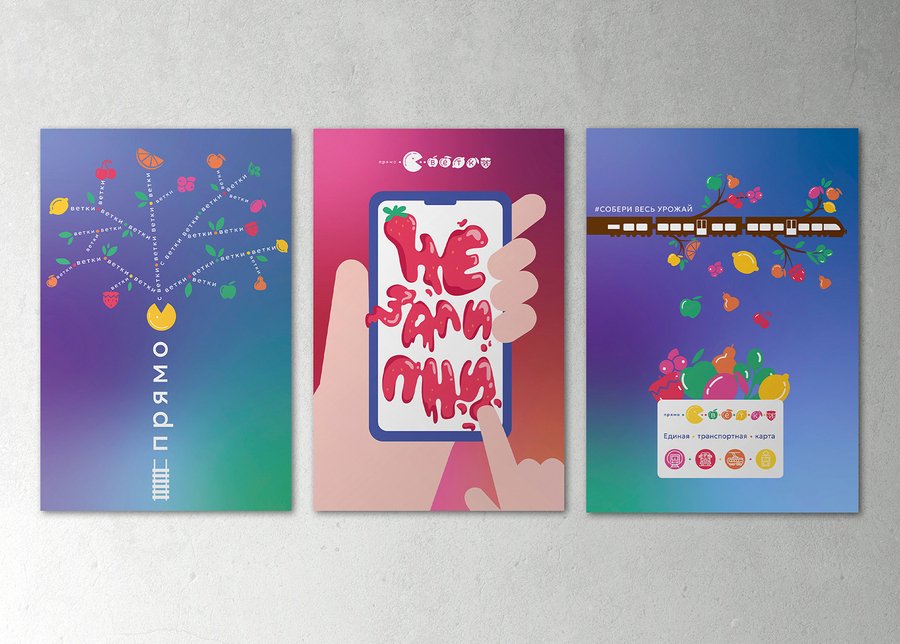
«Прямо с ветки» — это увлекательный проект, превращающий поездки в метро в захватывающую игру. Пассажир, собирает ягоды на разных станциях, чтобы затем получить бесплатные поездки. Визуально проект выполнен в ярком и радостном стиле, где ветки метро напоминают ветки деревьев, а станции — это фрукты.
«Прямо с ветки» призван добавить в поездки на метро элемент веселья и удовольствия.
Дарья Головятинская создала проект «Прямо с ветки», который превращает поездки в метро в интерактивную игру с ягодами и бесплатными поездками. Проект выполнен в ярком и радостном стиле, где ветки метро изображены как деревья, а станции — как фрукты.
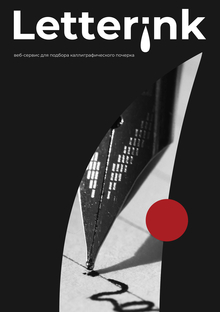
Карина Линден создала веб-сервис LetterInk для подбора каллиграфического почерка. Проект включает визуальное исследование эволюции каллиграфии и фильтрацию почерков по эмоциональным характеристикам.
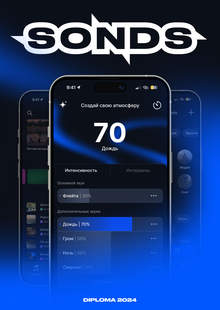
Лилия Самсонова создала приложение Sonds для генерации персональных звуковых атмосфер, которое помогает людям концентрироваться или расслабляться. Проект включает прототип в Figma, бренд, стайлгайд и несколько сценариев для использования приложения.
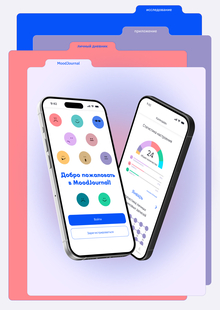
Агнесса Серобян создала приложение MoodJournal, объединяющее трекер эмоций, виртуальный дневник и сообщество для поддержки пользователей. Проект включает исследование факторов, влияющих на самовыражение через эмоциональный трекинг и личный дневник.
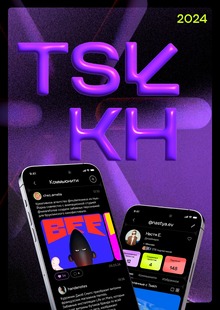
Анастасия Евтимьева создала мобильное приложение Tsekh для творческих людей, объединяющее функции фриланс-платформы и социальной сети. Проект включает разработку нейминга, типографики, интерфейса и айдентики для приложения Tsekh.
Мы используем файлы cookies для улучшения работы сайта и большего удобства его использования. Более подробную информац...
Показать больше
Press space bar to start a drag.
When dragging you can use the arrow keys to move the item around and escape to cancel.
Some screen readers may require you to be in focus mode or to use your pass through key
Press space bar to start a drag.
When dragging you can use the arrow keys to move the item around and escape to cancel.
Some screen readers may require you to be in focus mode or to use your pass through key
Press space bar to start a drag.
When dragging you can use the arrow keys to move the item around and escape to cancel.
Some screen readers may require you to be in focus mode or to use your pass through key
Press space bar to start a drag.
When dragging you can use the arrow keys to move the item around and escape to cancel.
Some screen readers may require you to be in focus mode or to use your pass through key
Press space bar to start a drag.
When dragging you can use the arrow keys to move the item around and escape to cancel.
Some screen readers may require you to be in focus mode or to use your pass through key
Press space bar to start a drag.
When dragging you can use the arrow keys to move the item around and escape to cancel.
Some screen readers may require you to be in focus mode or to use your pass through key
Press space bar to start a drag.
When dragging you can use the arrow keys to move the item around and escape to cancel.
Some screen readers may require you to be in focus mode or to use your pass through key
Press space bar to start a drag.
When dragging you can use the arrow keys to move the item around and escape to cancel.
Some screen readers may require you to be in focus mode or to use your pass through key
Press space bar to start a drag.
When dragging you can use the arrow keys to move the item around and escape to cancel.
Some screen readers may require you to be in focus mode or to use your pass through key
Press space bar to start a drag.
When dragging you can use the arrow keys to move the item around and escape to cancel.
Some screen readers may require you to be in focus mode or to use your pass through key