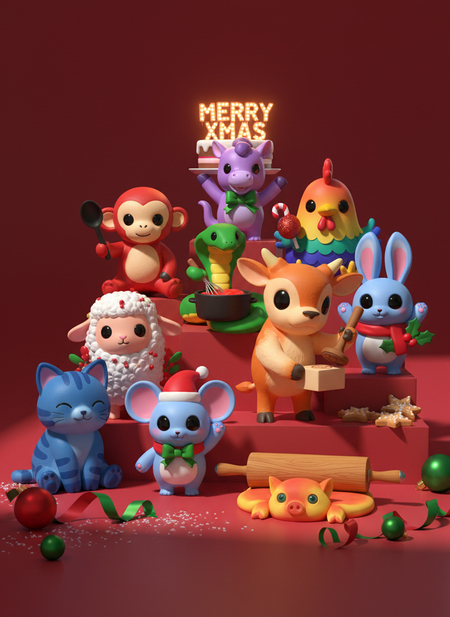
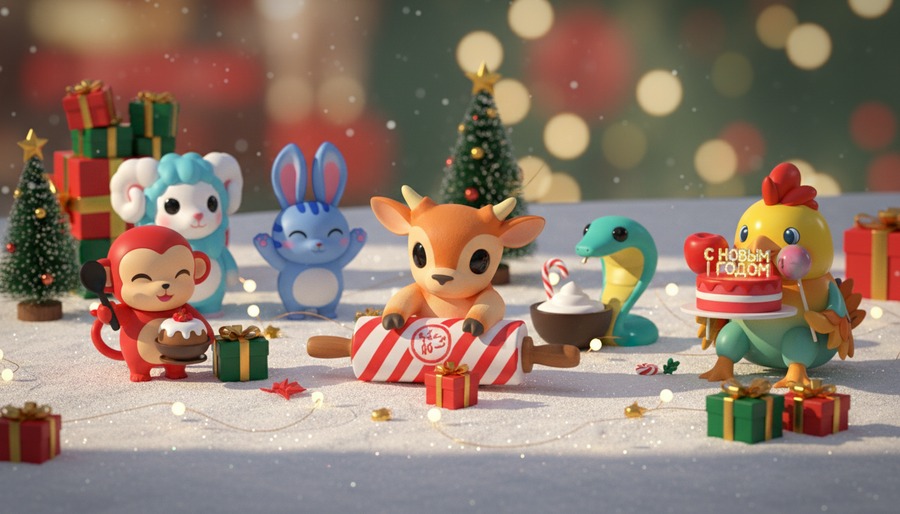
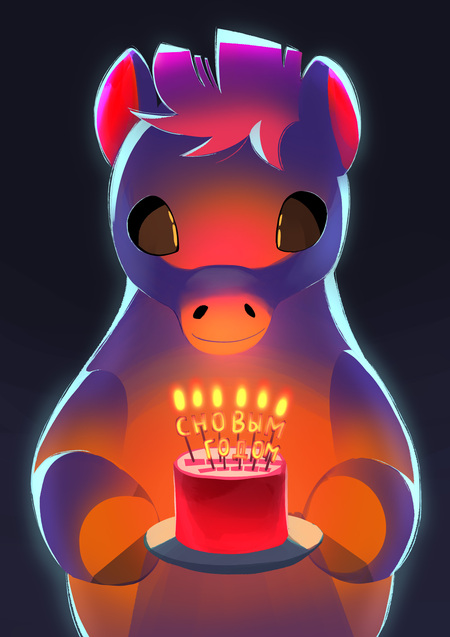
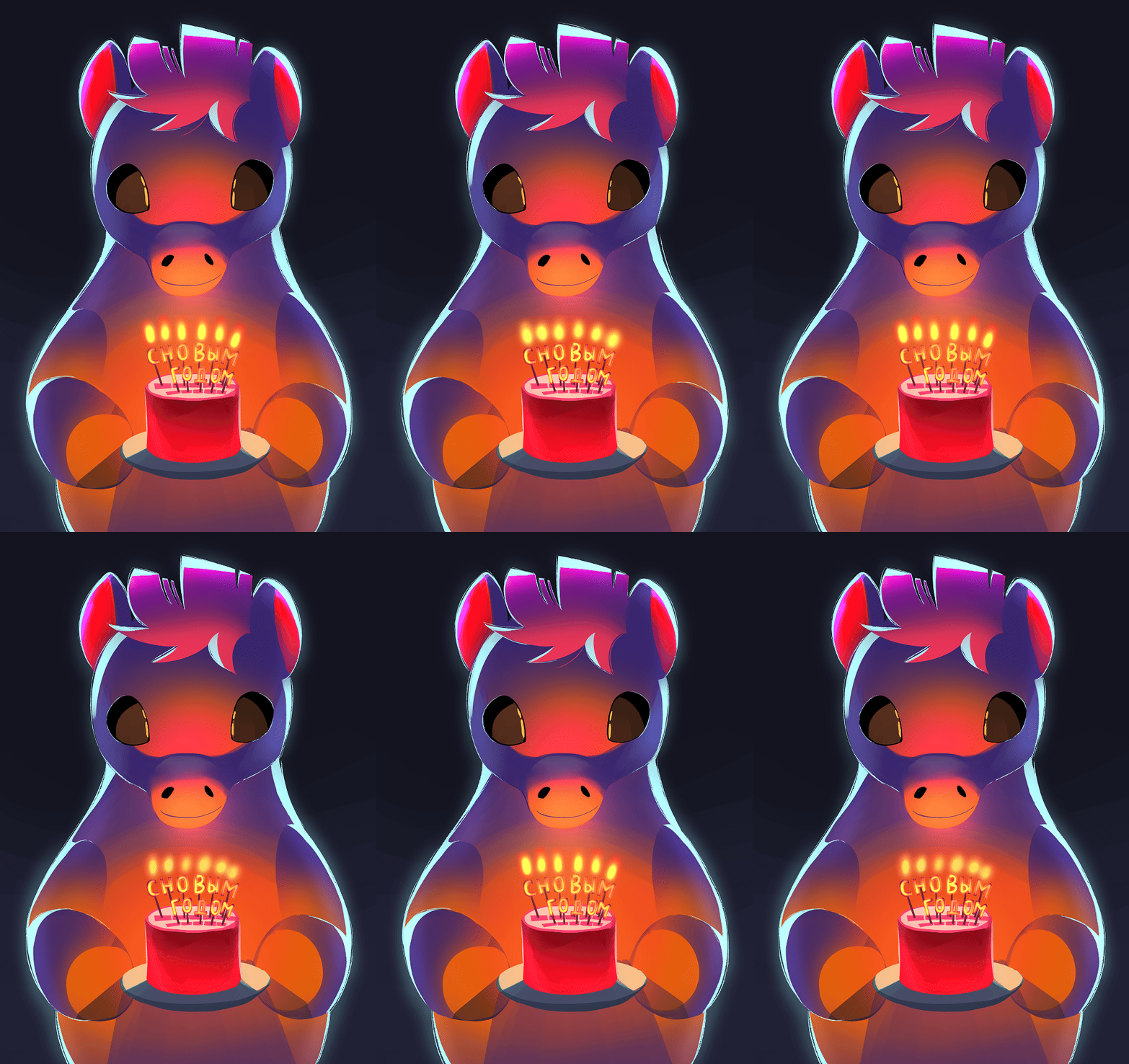
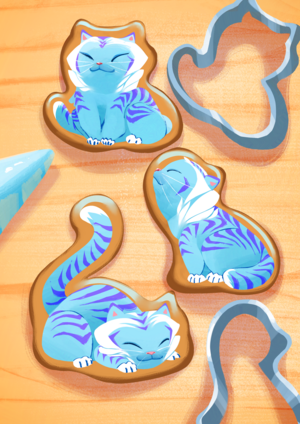
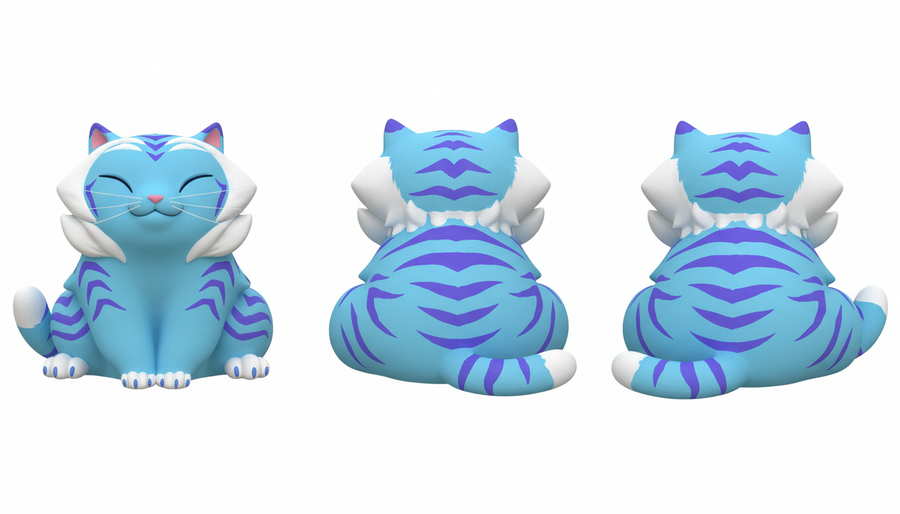
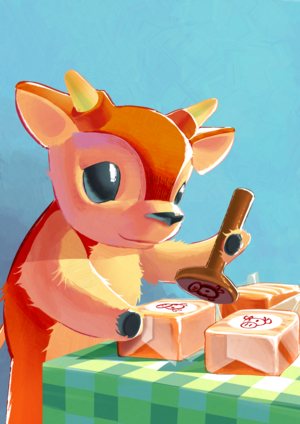
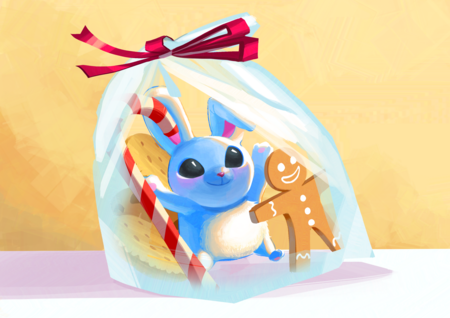
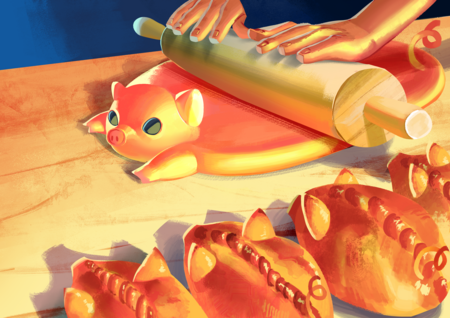
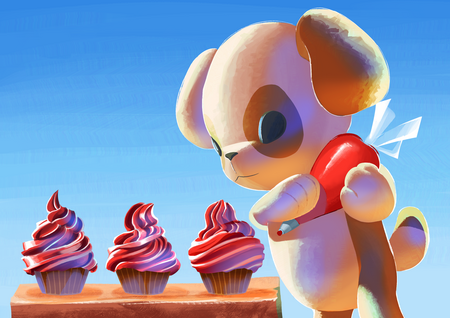
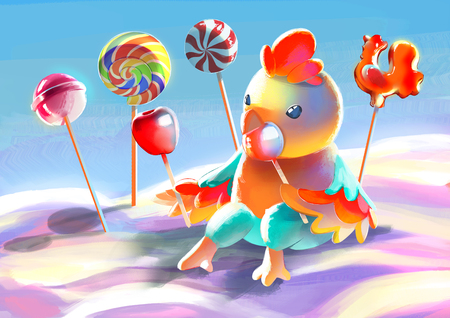
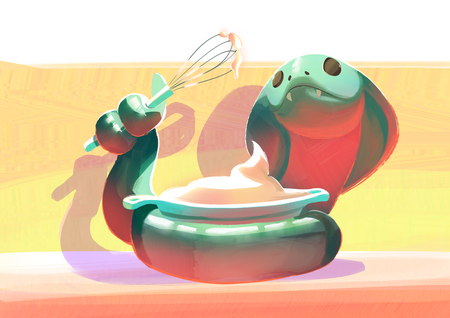
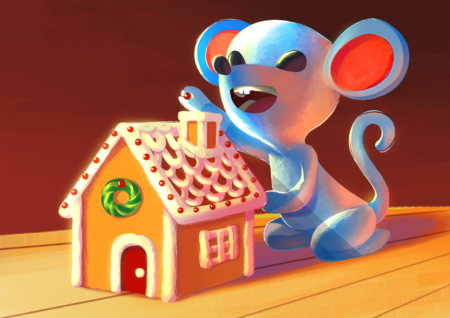
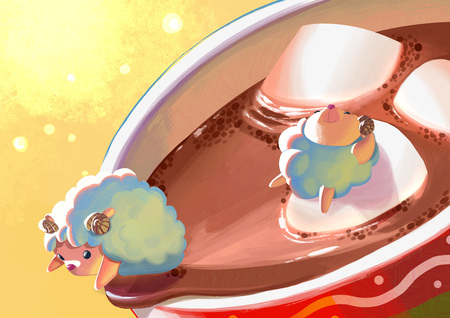
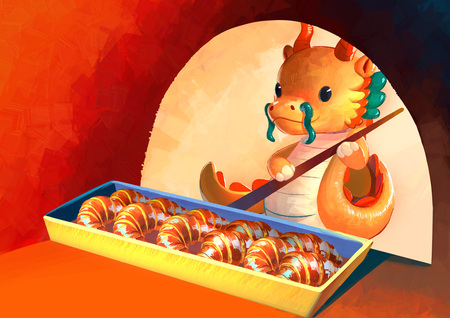
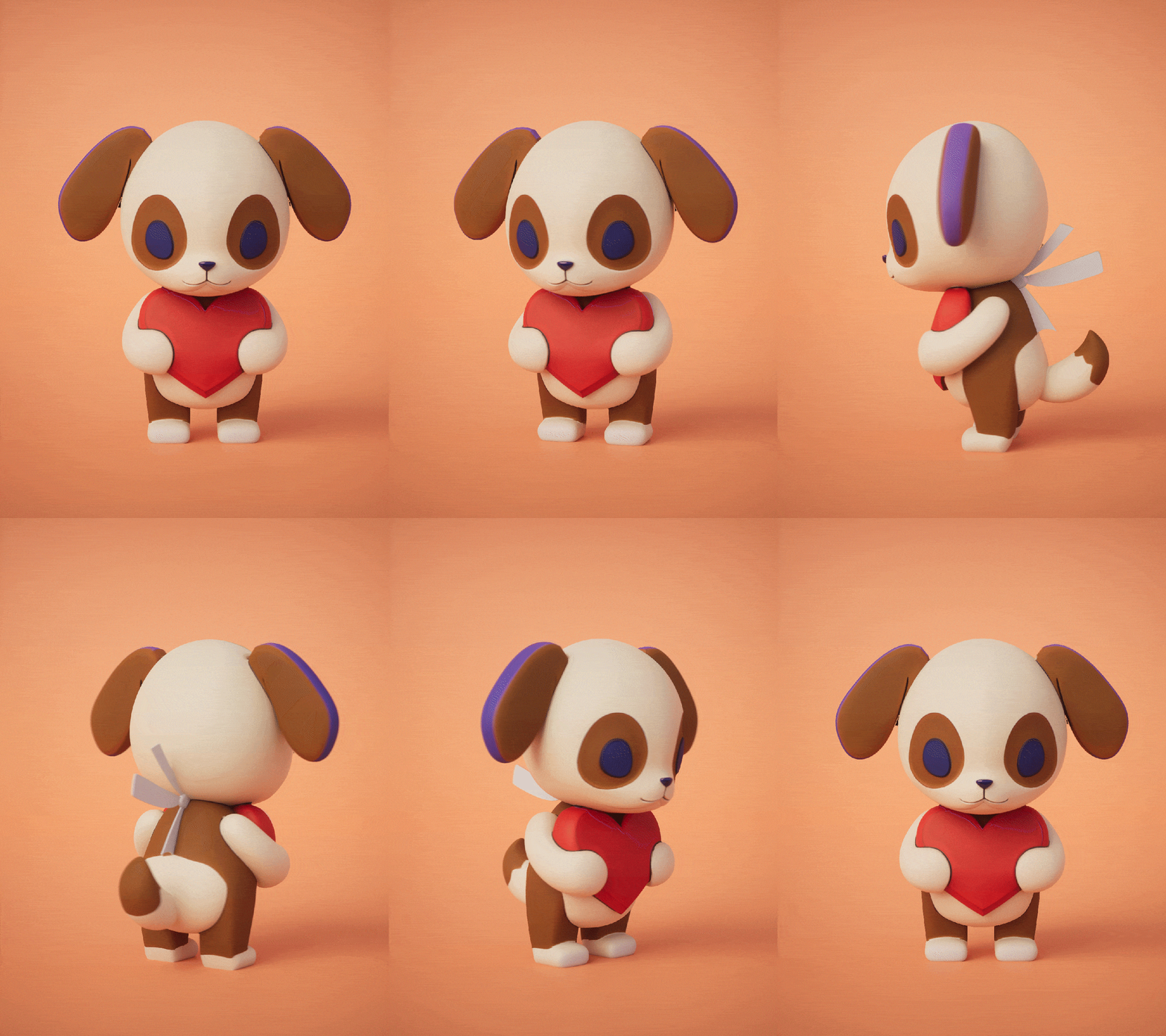
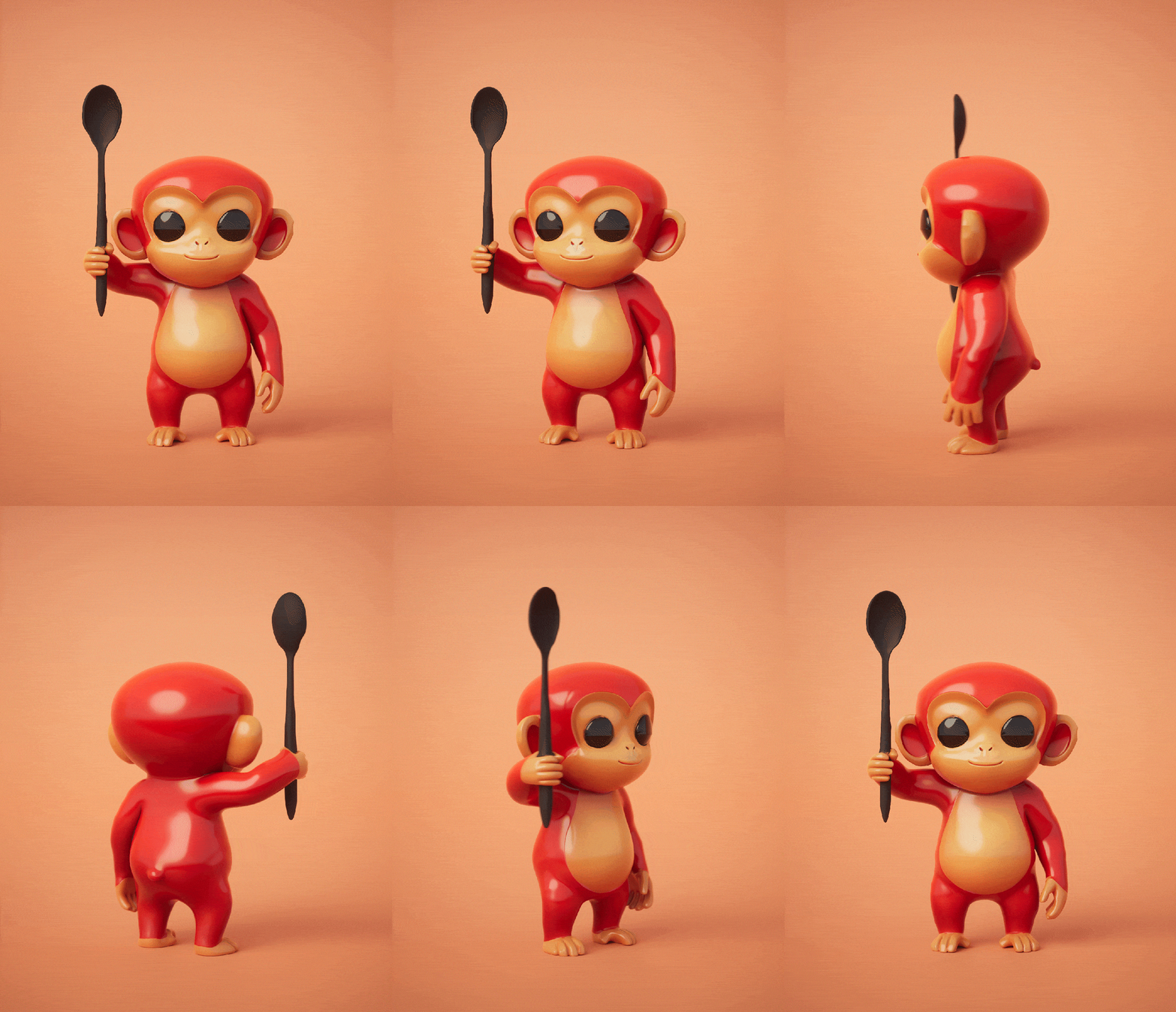
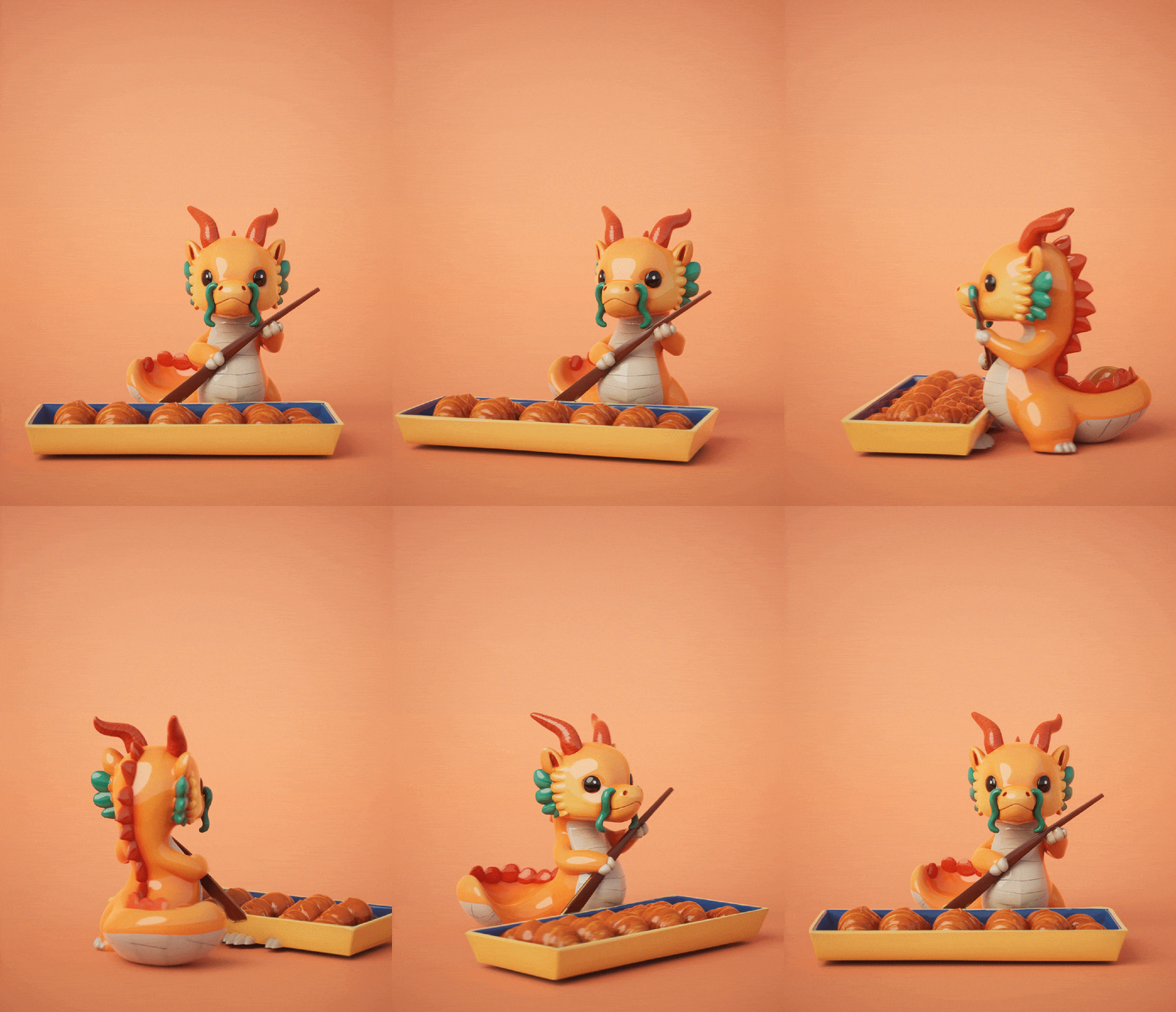
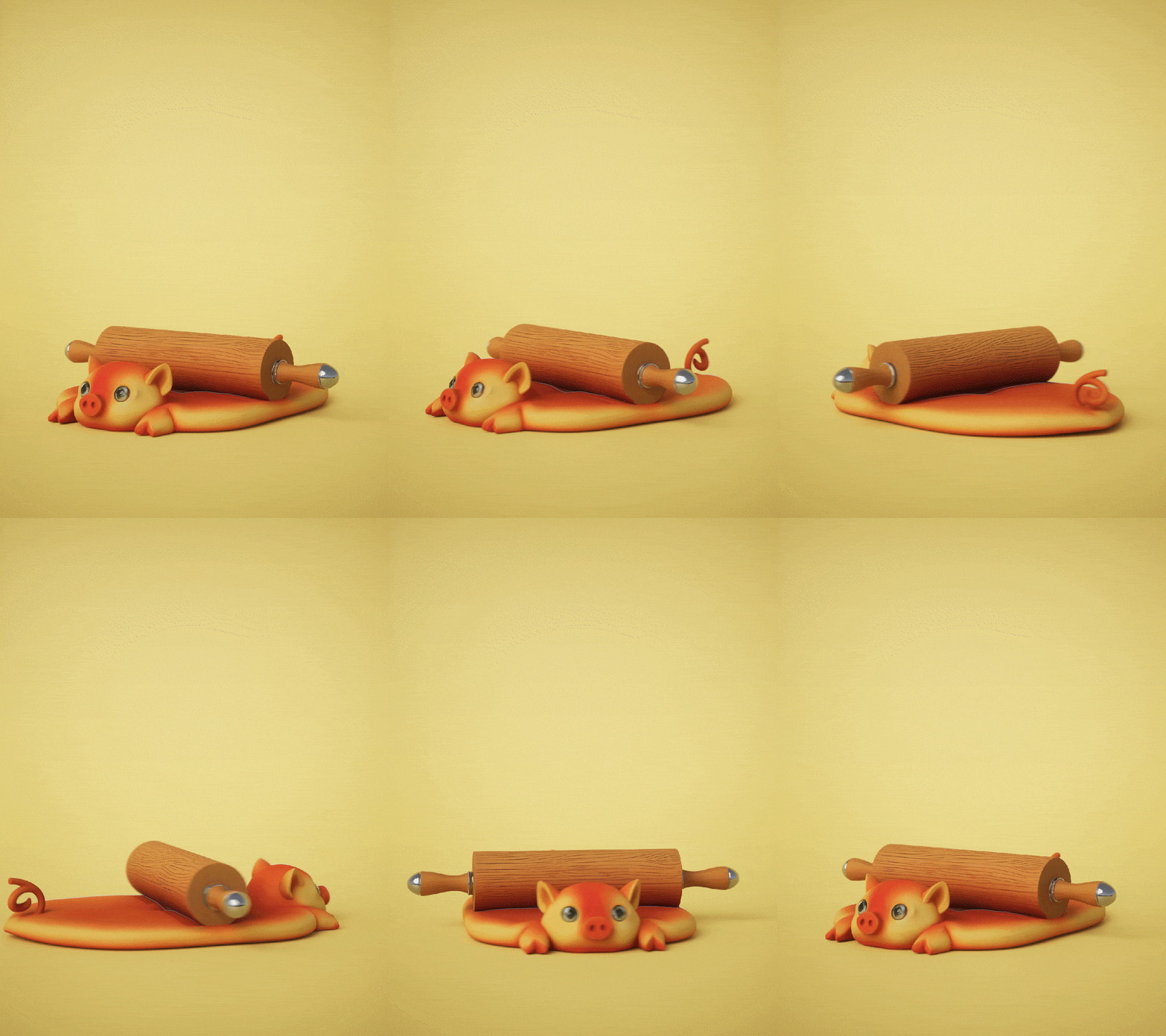
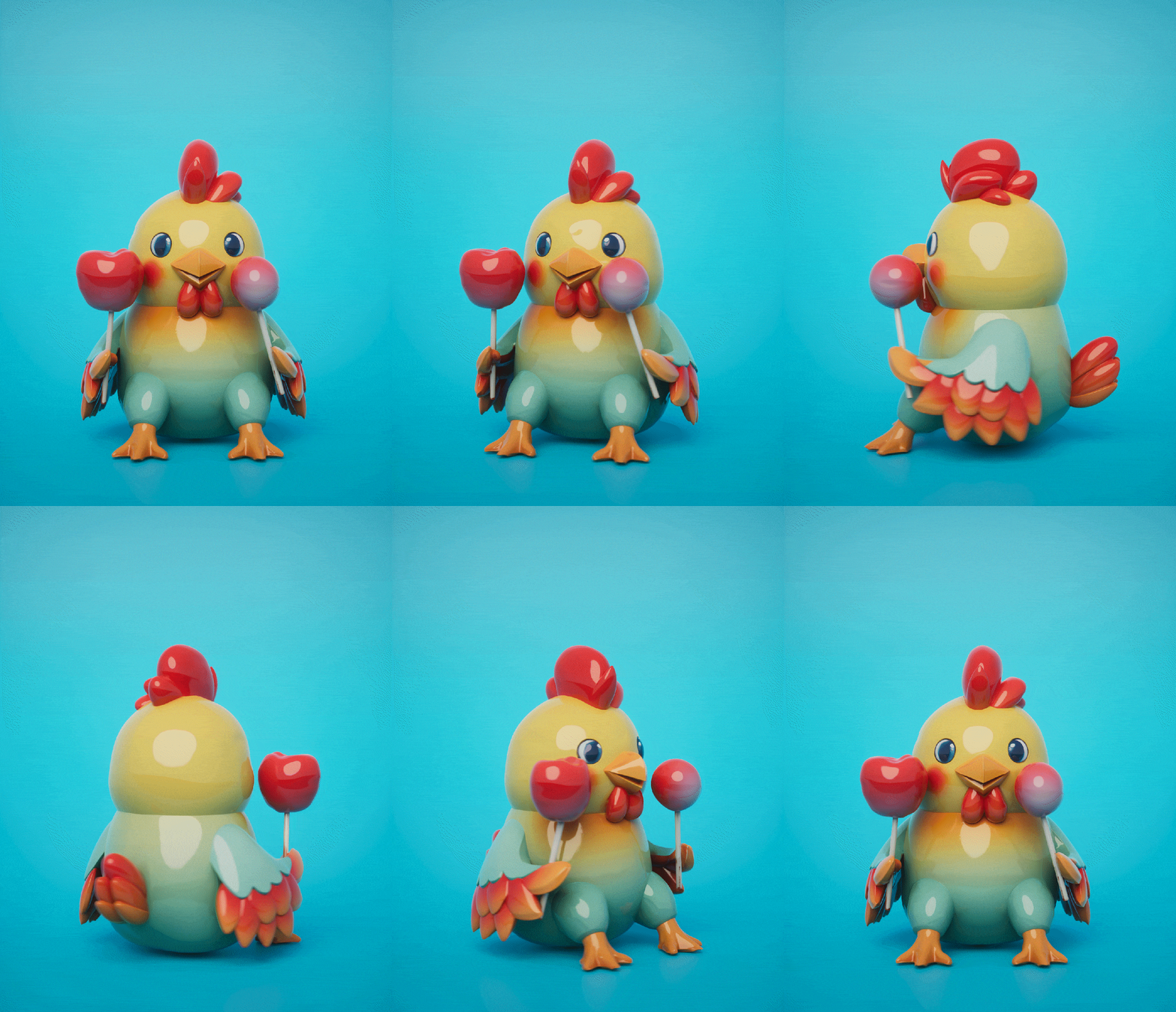
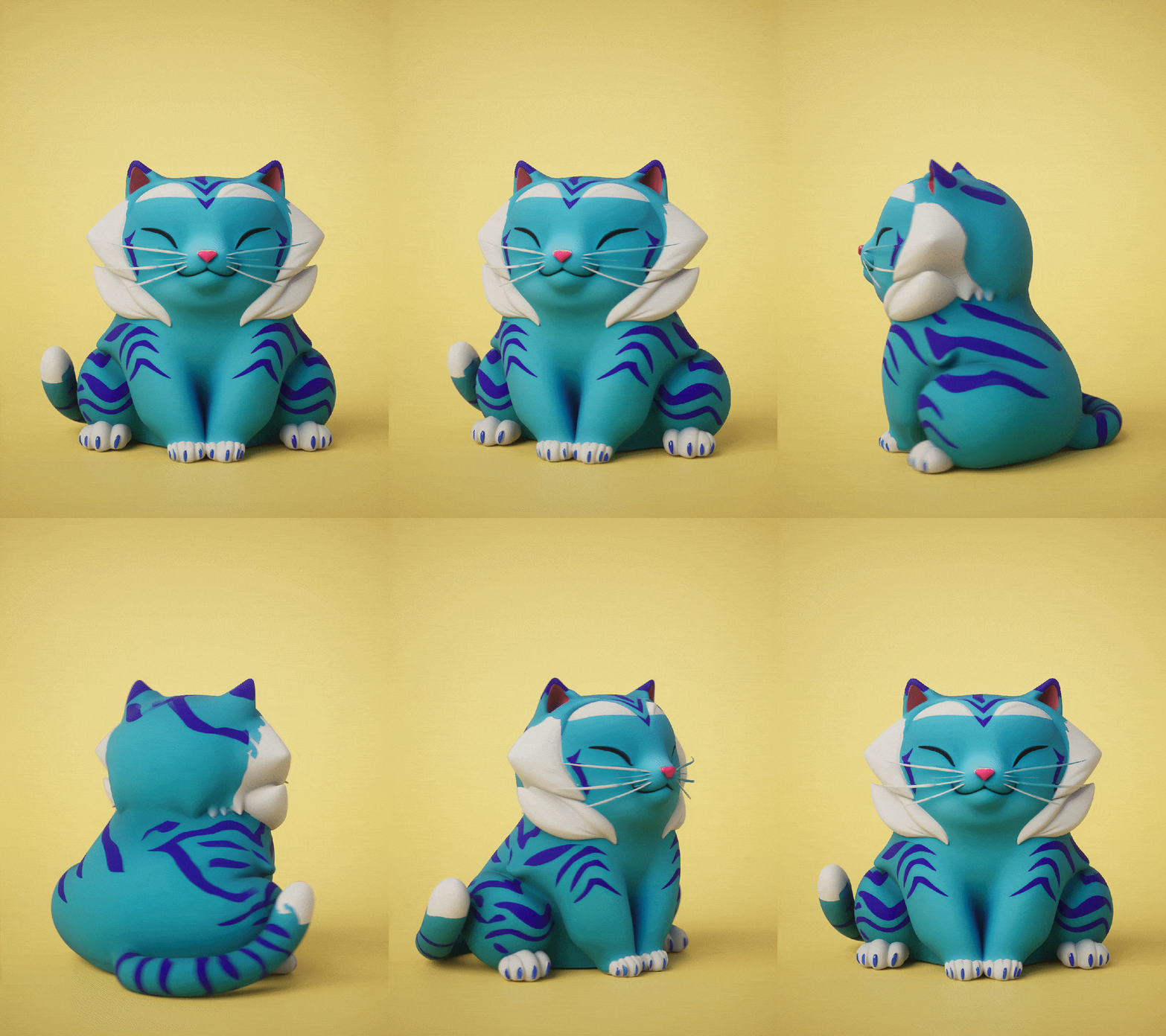
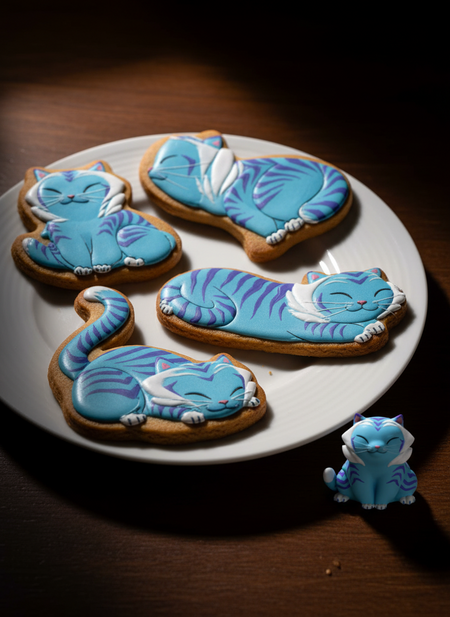
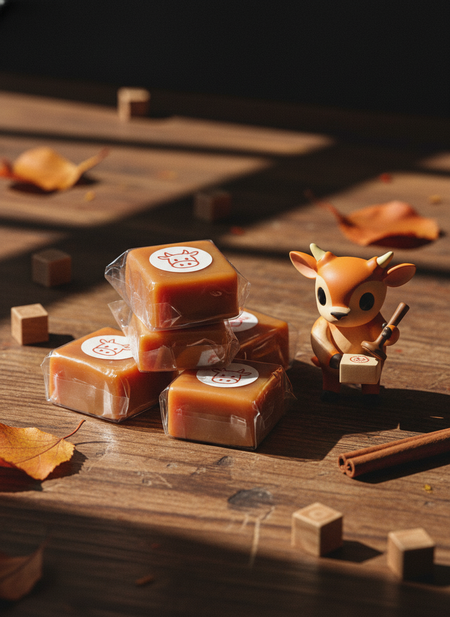
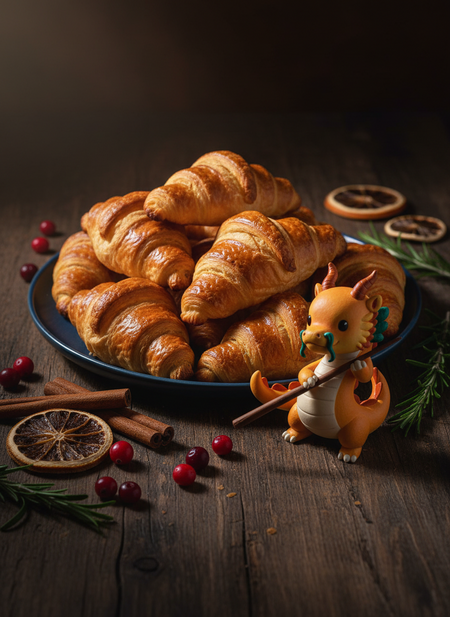
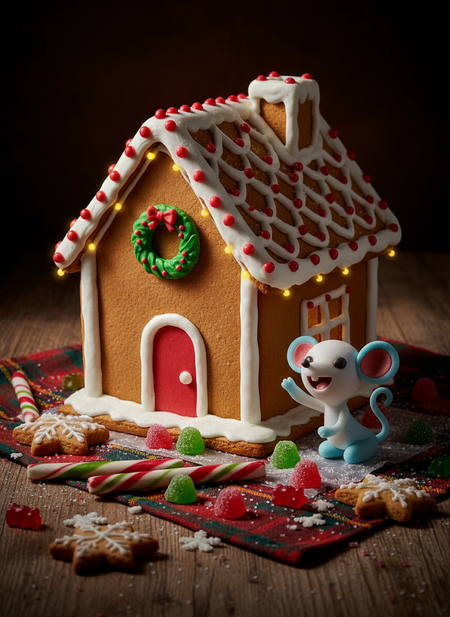
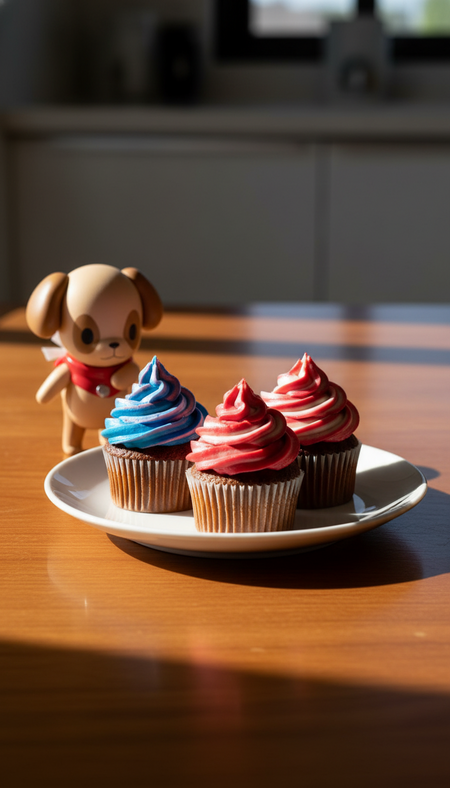
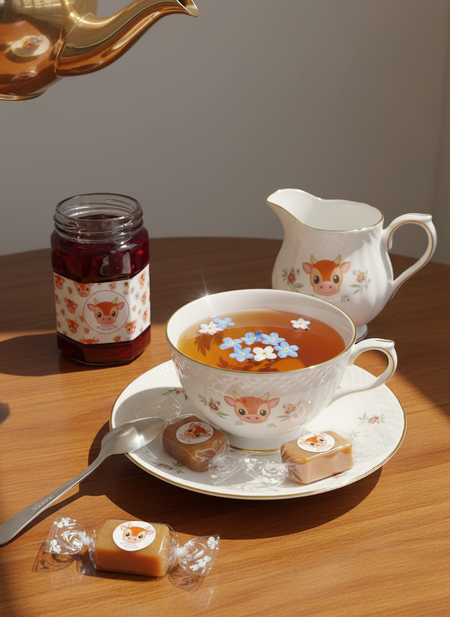
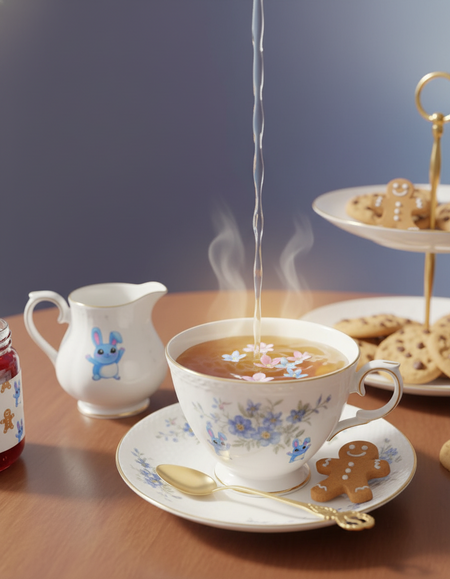
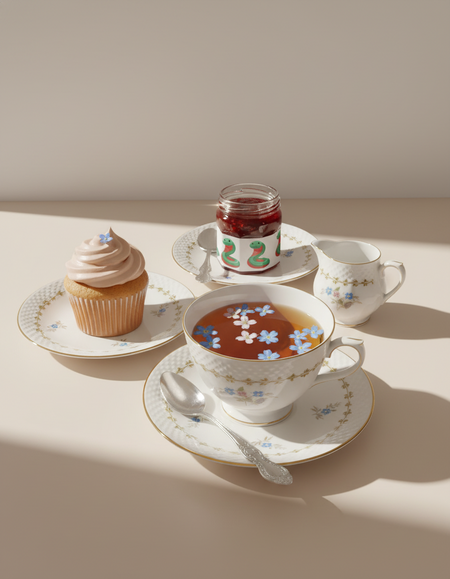
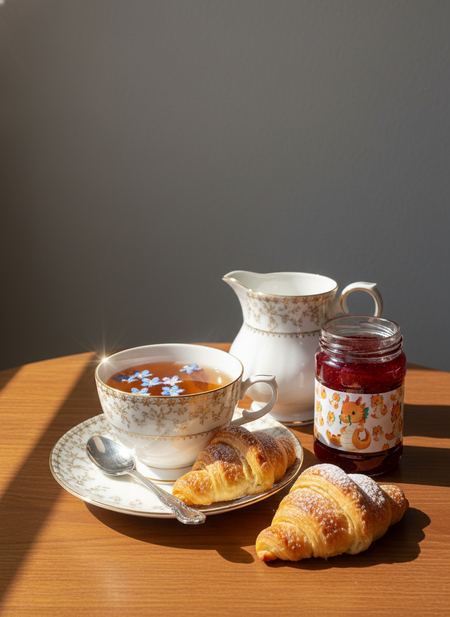
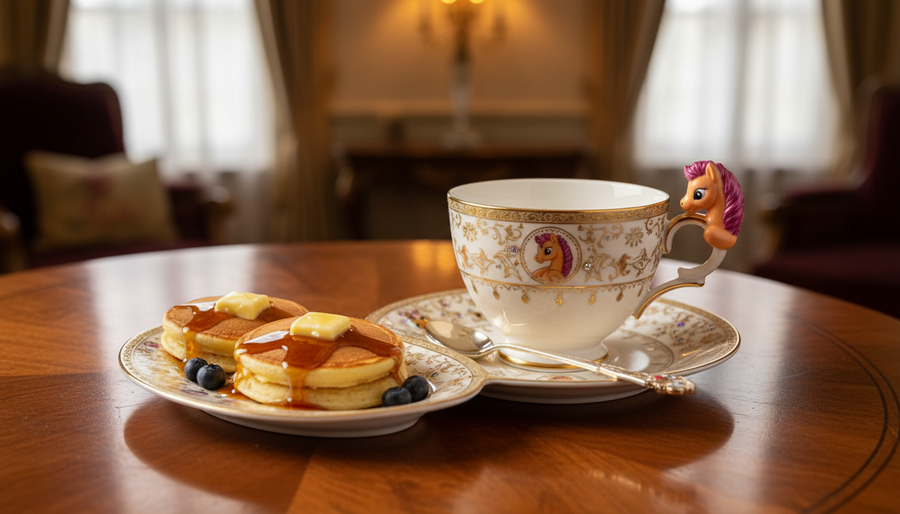
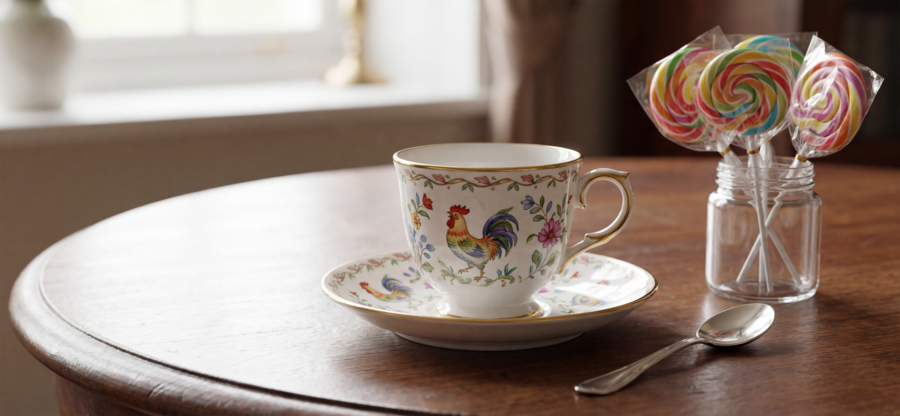
Однажды 12 животных из Восточного Зодиака собрались вместе, чтобы поздравить жеребенка Морина с Новым годом. Для того чтобы порадовать его, они решили приготовить сладости и накрыть на стол.
Original size 1344x768
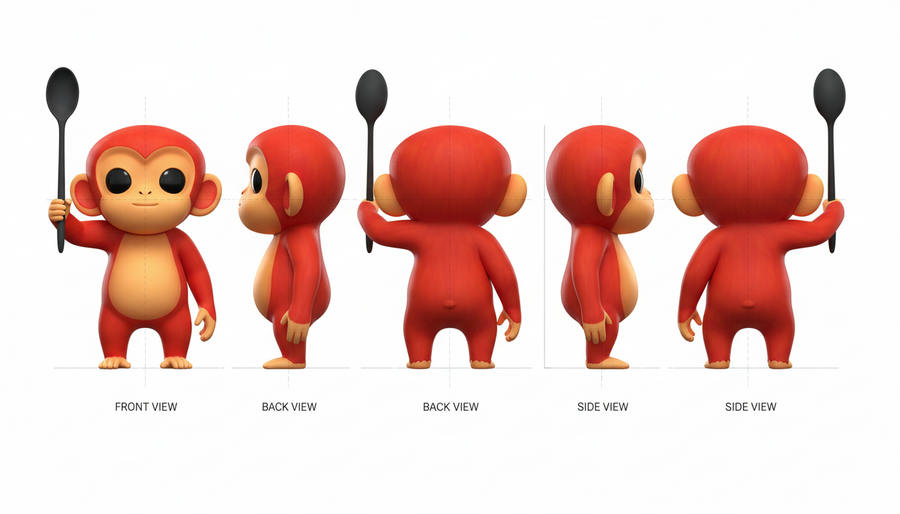
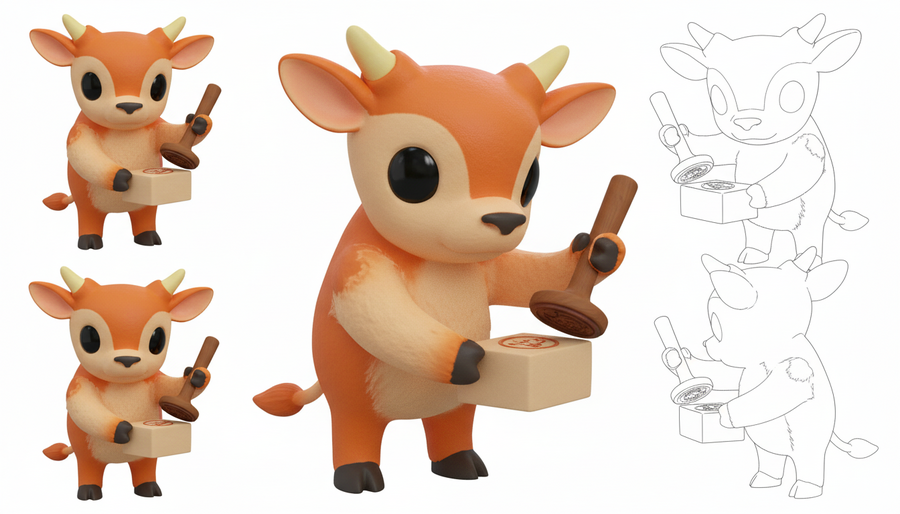
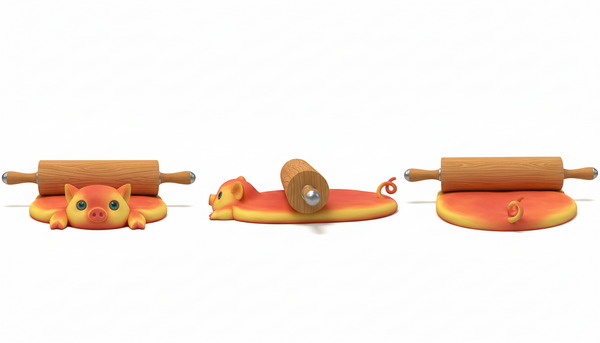
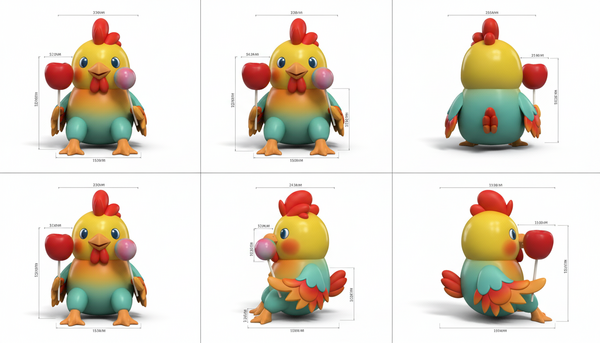
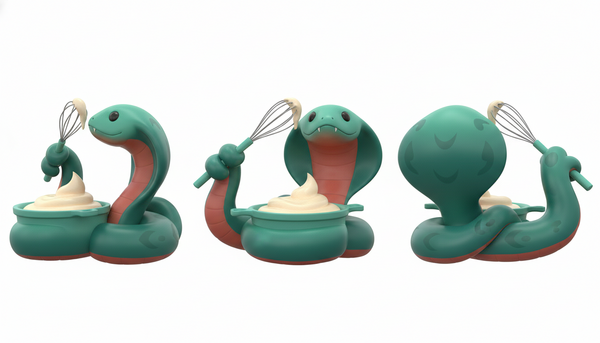
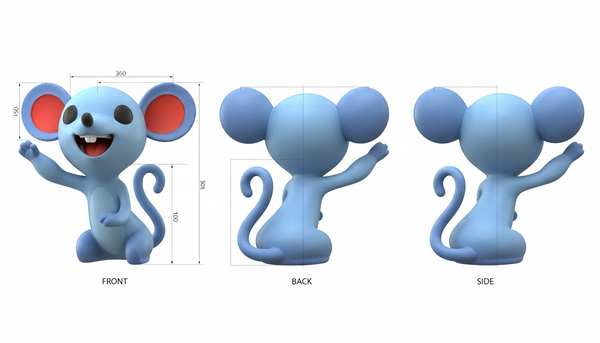
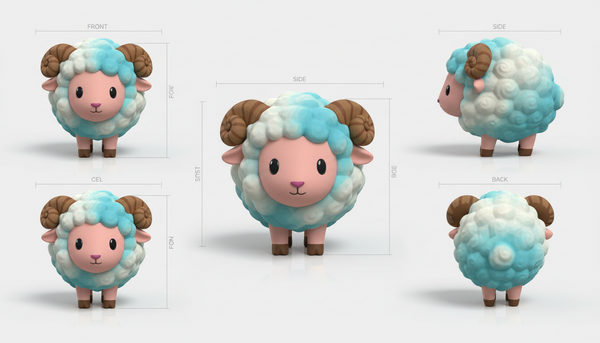
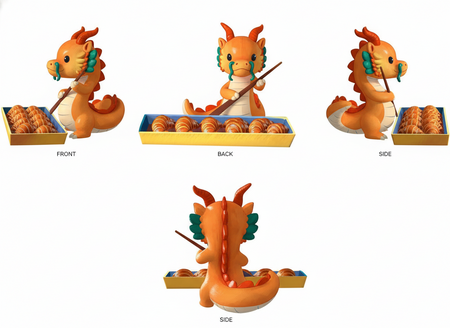
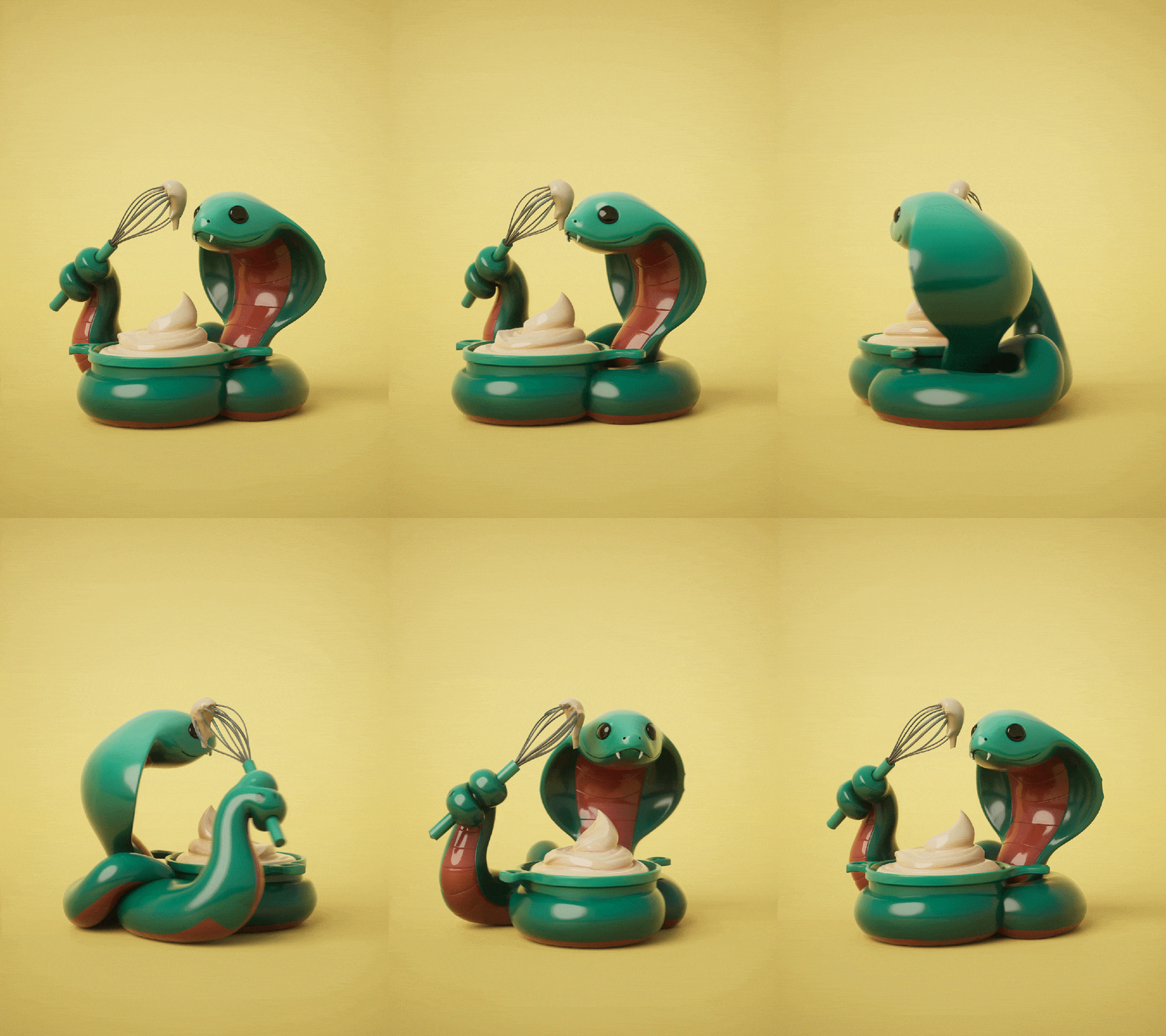
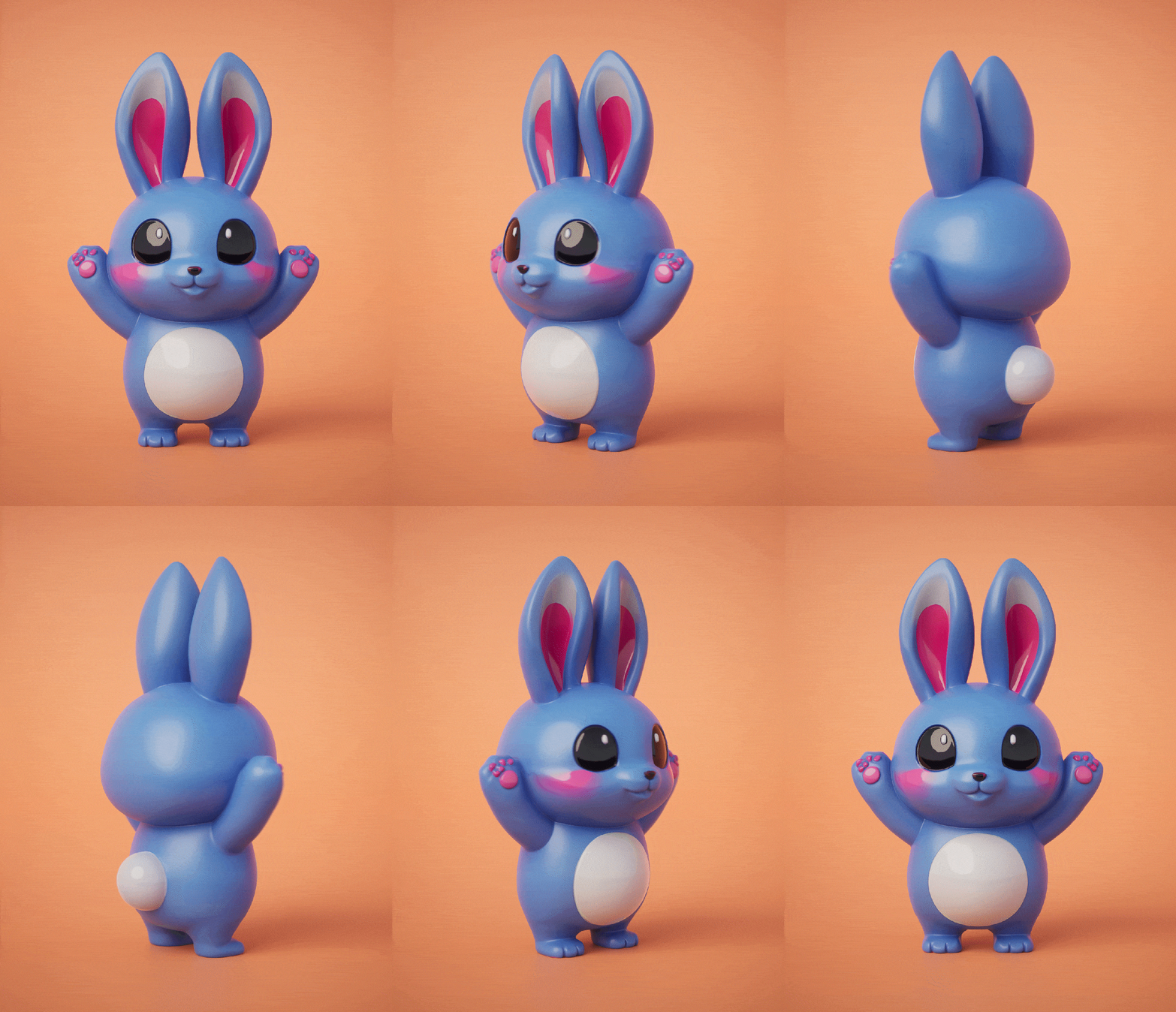
Серия представляет собой набор столовых миниатюр, изображающие животных восточного зодиака с оригинальным дизайном.
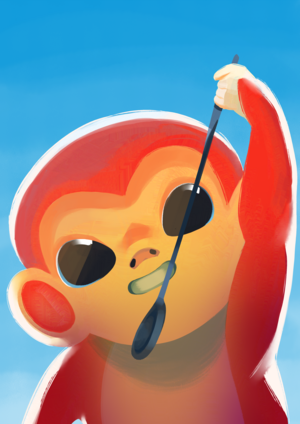
Концепт-арт
Модели были сделаны на основе оригинальных иллюстраций из проекта «Легенда о Восточном Зодиаке».
Серия эксклюзивного чайного сервиза, посвященного Восточному зодиакальному кругу.
Original size 1344x768
Original size 1344x768
Original size 1344x768
0
0
0
0
0
Производство
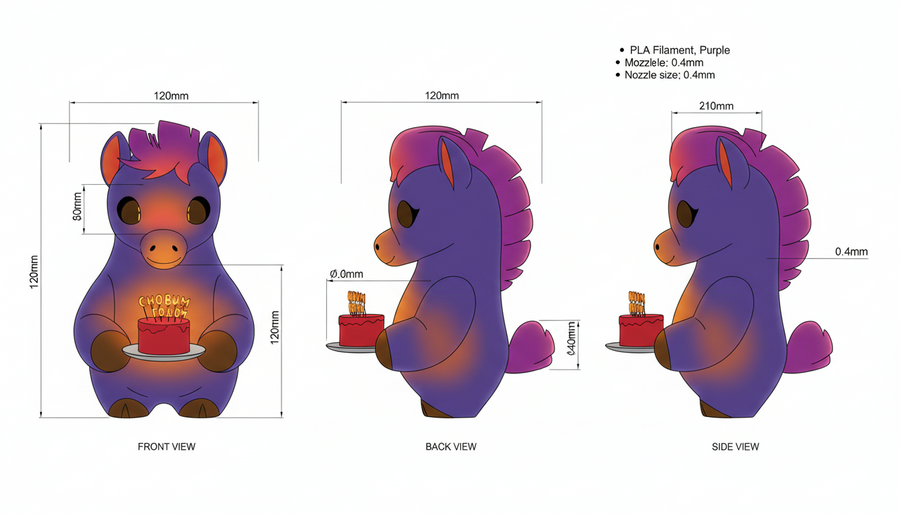
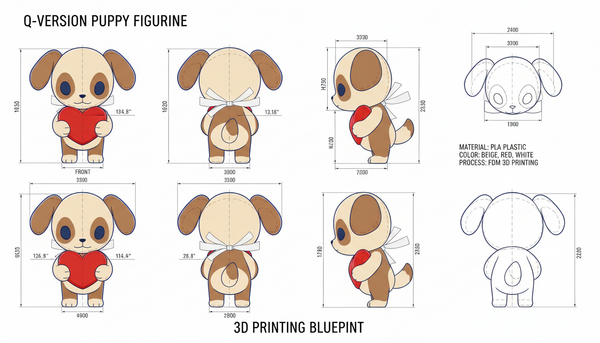
Миниатюры разрабатываются в масштабе 30-40 мм в высоту (от основания до верхней точки), с максимальной шириной/глубиной 25-30 мм для свободного размещения в капсуле Kinder Surprise.
Толщина стенок — не менее 1,5-2 мм, минимальная толщина деталей (уши, хвосты) — 0,8-1 мм для сохранения прочности.
Допуски на размеры: ±0,2-0,3 мм для FDM-печати, с компенсацией усадки PLA (0,5-1%) в модели.
FDM/FFF для мелкосерийного производства (до 1000 шт.), с диаметром сопла 0,2-0,4 мм и высотой слоя 0,08-0,15 мм для детализации милых черт (глаза, шерсть).
Основной материал — PLA (полилактид): нетоксичный, биоразлагаемый, с хорошей детализацией и низкой усадкой, идеален для игрушек.
Альтернатива — PETG для повышенной ударопрочности (если миниатюры игровые), с температурой печати 230-250°C.
Цвет: многоцветная печать или постокраска; отсутствие токсичных добавок обязательно для детских изделий.
We use cookies to improve the operation of the website and to enhance its usability. More detailed information on the use of cookies can be fo...
Show more
Press space bar to start a drag.
When dragging you can use the arrow keys to move the item around and escape to cancel.
Some screen readers may require you to be in focus mode or to use your pass through key
Press space bar to start a drag.
When dragging you can use the arrow keys to move the item around and escape to cancel.
Some screen readers may require you to be in focus mode or to use your pass through key
Press space bar to start a drag.
When dragging you can use the arrow keys to move the item around and escape to cancel.
Some screen readers may require you to be in focus mode or to use your pass through key
Press space bar to start a drag.
When dragging you can use the arrow keys to move the item around and escape to cancel.
Some screen readers may require you to be in focus mode or to use your pass through key
Press space bar to start a drag.
When dragging you can use the arrow keys to move the item around and escape to cancel.
Some screen readers may require you to be in focus mode or to use your pass through key
Press space bar to start a drag.
When dragging you can use the arrow keys to move the item around and escape to cancel.
Some screen readers may require you to be in focus mode or to use your pass through key
Press space bar to start a drag.
When dragging you can use the arrow keys to move the item around and escape to cancel.
Some screen readers may require you to be in focus mode or to use your pass through key
Press space bar to start a drag.
When dragging you can use the arrow keys to move the item around and escape to cancel.
Some screen readers may require you to be in focus mode or to use your pass through key
Press space bar to start a drag.
When dragging you can use the arrow keys to move the item around and escape to cancel.
Some screen readers may require you to be in focus mode or to use your pass through key
Press space bar to start a drag.
When dragging you can use the arrow keys to move the item around and escape to cancel.
Some screen readers may require you to be in focus mode or to use your pass through key
Press space bar to start a drag.
When dragging you can use the arrow keys to move the item around and escape to cancel.
Some screen readers may require you to be in focus mode or to use your pass through key
Press space bar to start a drag.
When dragging you can use the arrow keys to move the item around and escape to cancel.
Some screen readers may require you to be in focus mode or to use your pass through key
Press space bar to start a drag.
When dragging you can use the arrow keys to move the item around and escape to cancel.
Some screen readers may require you to be in focus mode or to use your pass through key
Press space bar to start a drag.
When dragging you can use the arrow keys to move the item around and escape to cancel.
Some screen readers may require you to be in focus mode or to use your pass through key
Press space bar to start a drag.
When dragging you can use the arrow keys to move the item around and escape to cancel.
Some screen readers may require you to be in focus mode or to use your pass through key
Press space bar to start a drag.
When dragging you can use the arrow keys to move the item around and escape to cancel.
Some screen readers may require you to be in focus mode or to use your pass through key
Press space bar to start a drag.
When dragging you can use the arrow keys to move the item around and escape to cancel.
Some screen readers may require you to be in focus mode or to use your pass through key
Press space bar to start a drag.
When dragging you can use the arrow keys to move the item around and escape to cancel.
Some screen readers may require you to be in focus mode or to use your pass through key
Press space bar to start a drag.
When dragging you can use the arrow keys to move the item around and escape to cancel.
Some screen readers may require you to be in focus mode or to use your pass through key
Press space bar to start a drag.
When dragging you can use the arrow keys to move the item around and escape to cancel.
Some screen readers may require you to be in focus mode or to use your pass through key
Press space bar to start a drag.
When dragging you can use the arrow keys to move the item around and escape to cancel.
Some screen readers may require you to be in focus mode or to use your pass through key
Press space bar to start a drag.
When dragging you can use the arrow keys to move the item around and escape to cancel.
Some screen readers may require you to be in focus mode or to use your pass through key
Press space bar to start a drag.
When dragging you can use the arrow keys to move the item around and escape to cancel.
Some screen readers may require you to be in focus mode or to use your pass through key