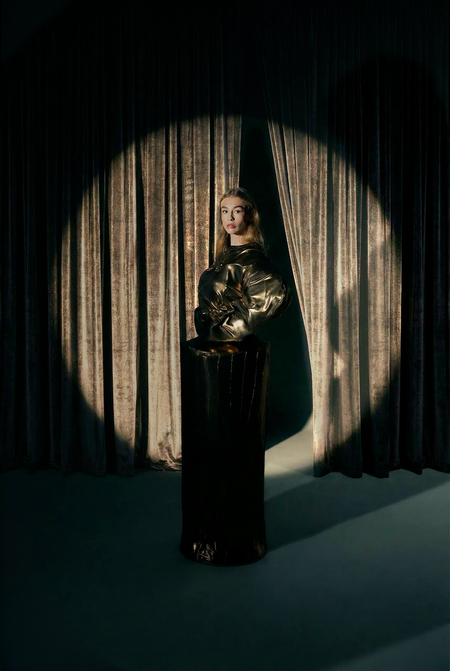
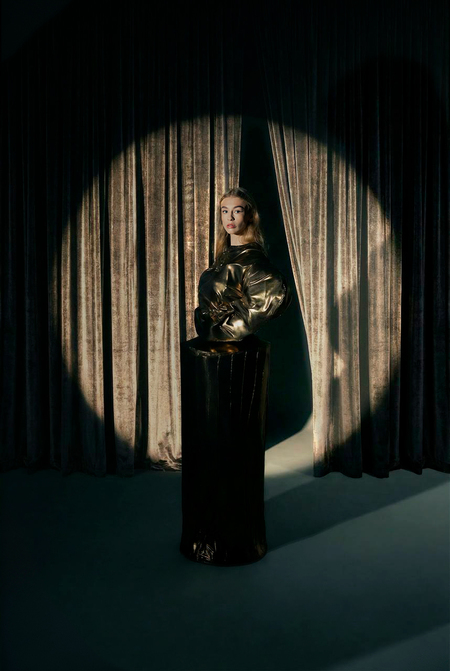
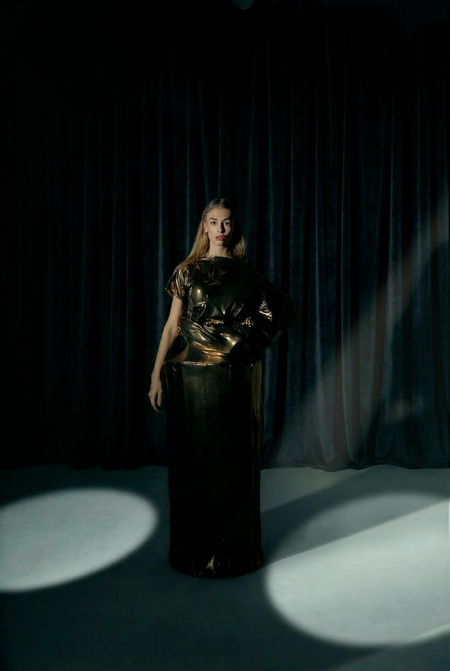
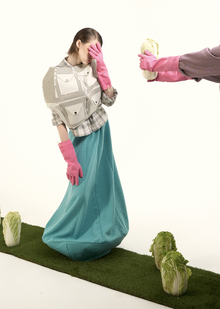
Успех имеет три грани: зарождение идеи, тернистый путь и заслуженную награду.
Первая грань — это момент, когда человек, подобно чистому листу, начинает формировать себя и свое видение, давая жизнь замыслу. Публика видит лишь сияющую лицевую сторону — само признание и блеск, не замечая скрытый, полный целеустремленности, взлетов, падений и бесчисленных попыток путь, ведущий к этой вершине. Именно эти невидимые грани формируют истинную ценность любого достижения.
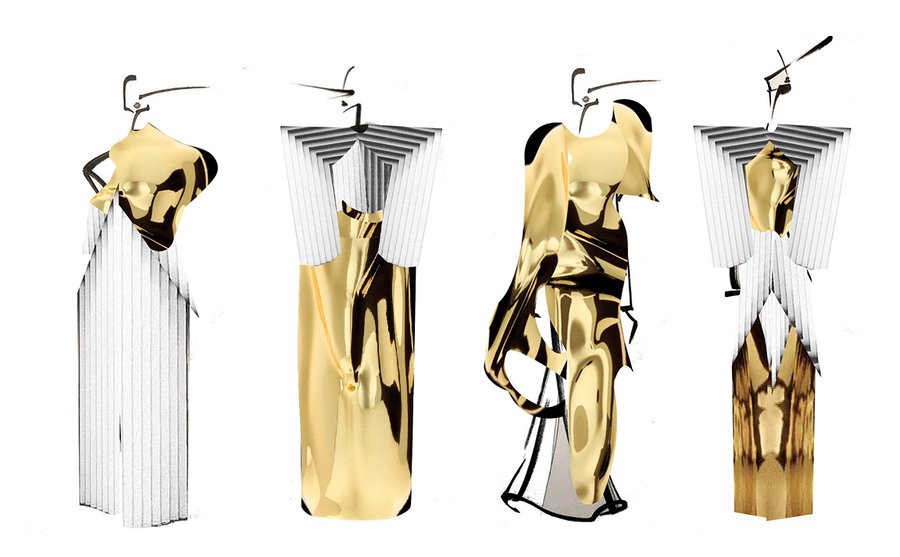
ILLUSTRATIONS
Original size 1152x713
Capsule sketches
LOOKBOOK
CAMPAING
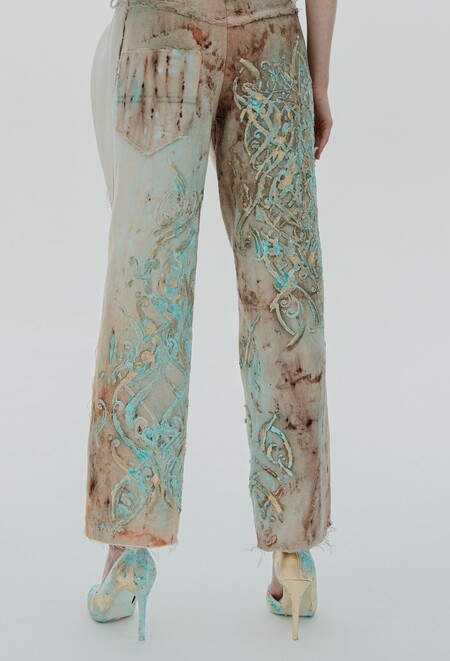
Это образ, разбивающий глянцевый миф об успехе. Он визу-ализирует путь от идеального замысла через годы тяжелого, невидимого труда. В этой патине времени и признак подлин-ного, выстраданного мастер-ства, и напоминание, что даже высшая награда — лишь часть процесса, а не его финал.
We use cookies to improve the operation of the website and to enhance its usability. More detailed information on the use of cookies can be fo...
Show more
Press space bar to start a drag.
When dragging you can use the arrow keys to move the item around and escape to cancel.
Some screen readers may require you to be in focus mode or to use your pass through key
Press space bar to start a drag.
When dragging you can use the arrow keys to move the item around and escape to cancel.
Some screen readers may require you to be in focus mode or to use your pass through key
Press space bar to start a drag.
When dragging you can use the arrow keys to move the item around and escape to cancel.
Some screen readers may require you to be in focus mode or to use your pass through key
Press space bar to start a drag.
When dragging you can use the arrow keys to move the item around and escape to cancel.
Some screen readers may require you to be in focus mode or to use your pass through key
Press space bar to start a drag.
When dragging you can use the arrow keys to move the item around and escape to cancel.
Some screen readers may require you to be in focus mode or to use your pass through key
Press space bar to start a drag.
When dragging you can use the arrow keys to move the item around and escape to cancel.
Some screen readers may require you to be in focus mode or to use your pass through key
Press space bar to start a drag.
When dragging you can use the arrow keys to move the item around and escape to cancel.
Some screen readers may require you to be in focus mode or to use your pass through key
Press space bar to start a drag.
When dragging you can use the arrow keys to move the item around and escape to cancel.
Some screen readers may require you to be in focus mode or to use your pass through key