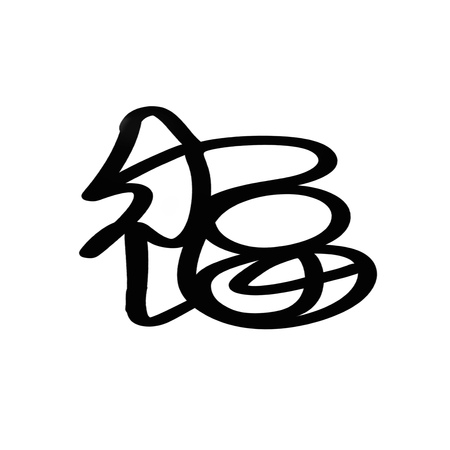
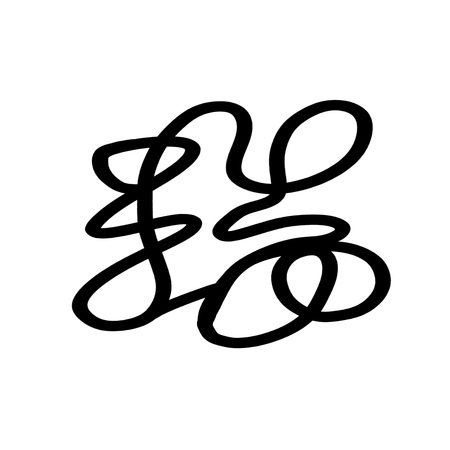
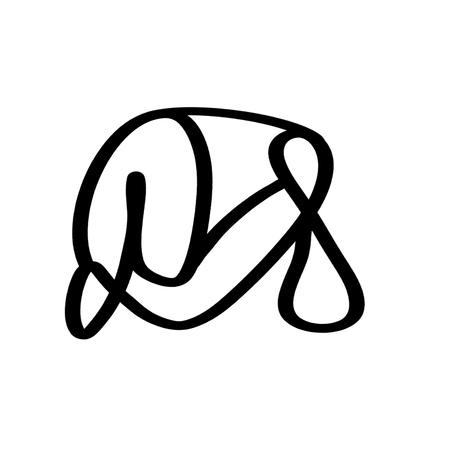
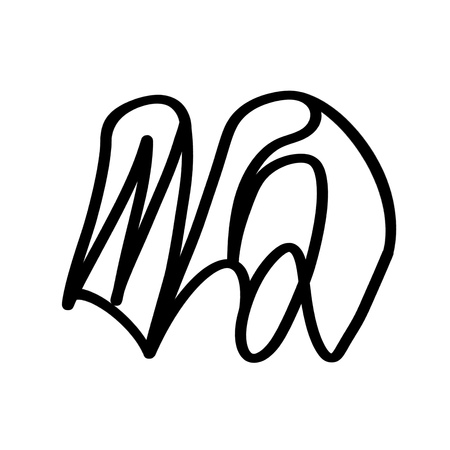
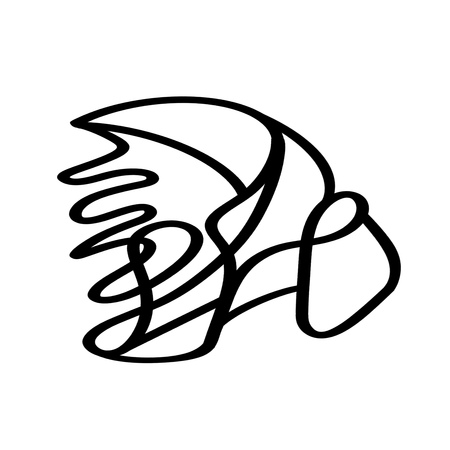
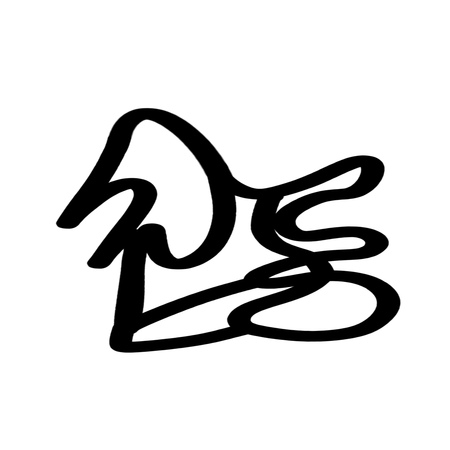
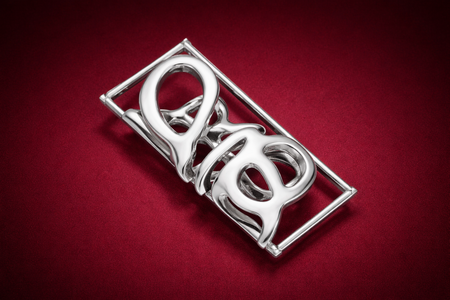
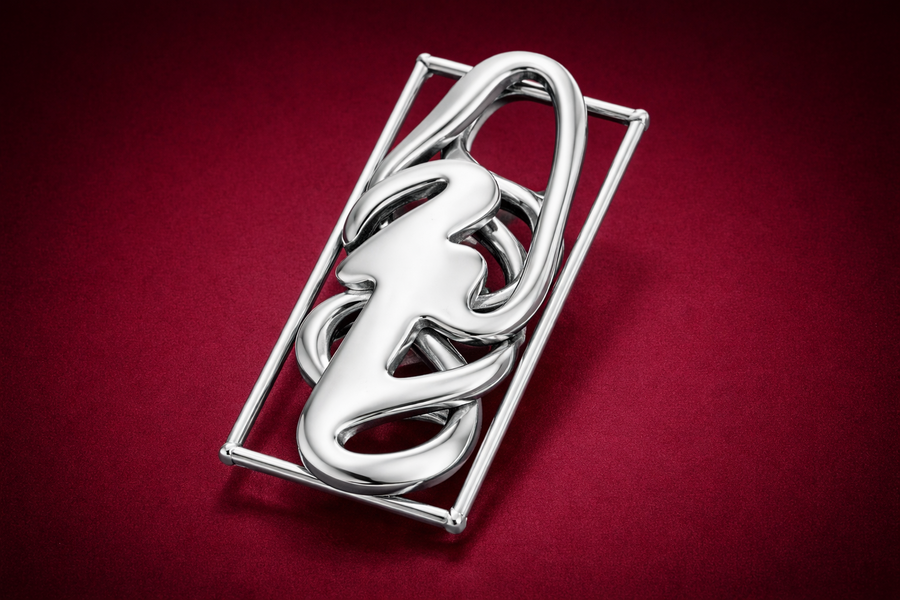
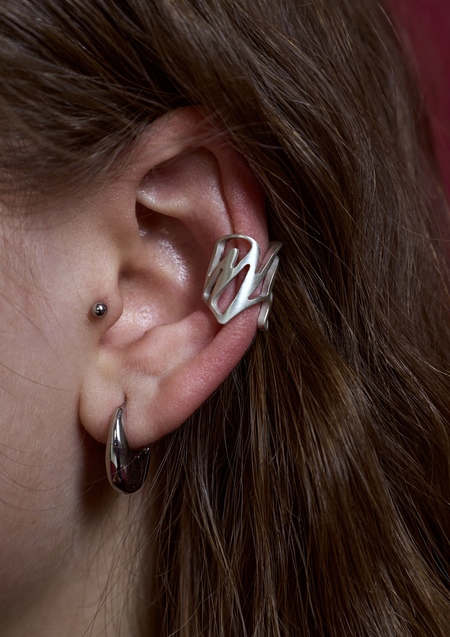
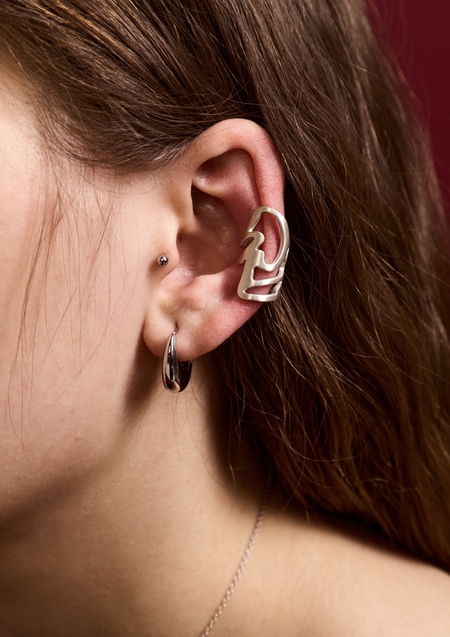
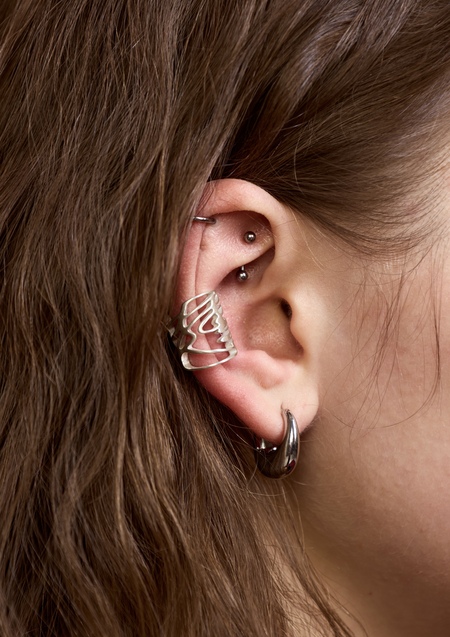
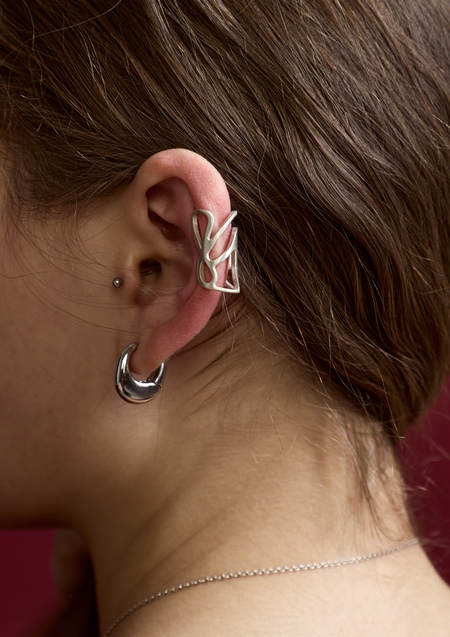
В рамках вариатива по ювелирному дизайну были придуманы и созданы каффы для ушей из белого металла. Было принято решение взять форму китайских иероглифов с благополучными значениями, такими как «счастье», «успех», «удача» как начальный эскиз, после чего их видоизменить ввиду более корректного технического исполнения, получив в результате новый дизайн, в котором сам иероглиф вовсе не растворяется.
Таким образом, получились своеобразные каффы, имеющие особенное значение и позитивный посыл. Украшения интересны своими линиями и их соединениями, дополняя образ. Подойдут как для индивидуальной носки, так и для комбинации с другими украшениями.
Эскизы
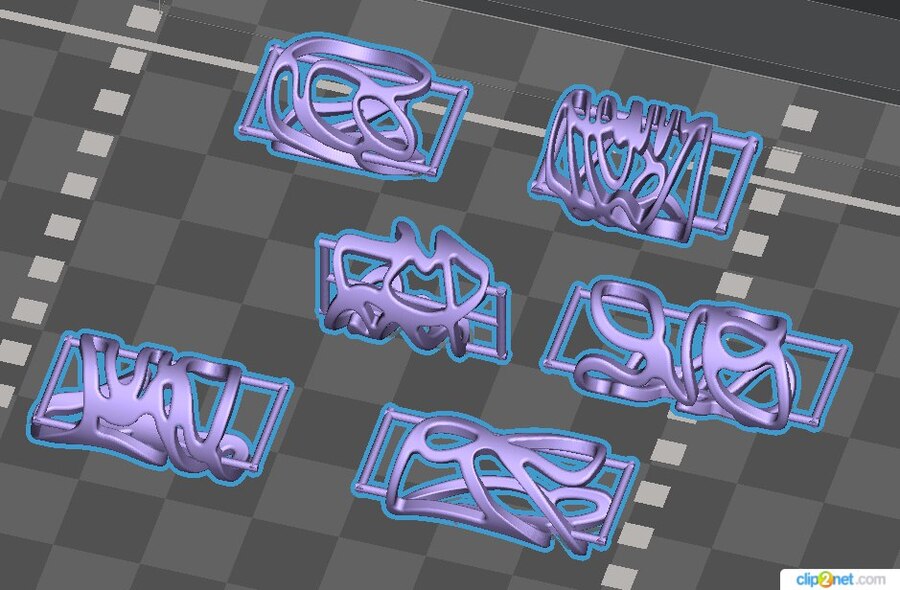
Перегон эскизов в 3D
Original size 939x616
Визуализация отлитых изделий через ИИ
Original size 1536x1024
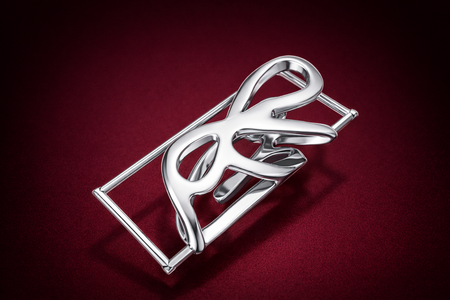
Результат
Задумка в том, чтобы кафф сопровождал человека и приносил удачу своим значением, в то же время подчеркивая образ.
We use cookies to improve the operation of the website and to enhance its usability. More detailed information on the use of cookies can be fo...
Show more
Press space bar to start a drag.
When dragging you can use the arrow keys to move the item around and escape to cancel.
Some screen readers may require you to be in focus mode or to use your pass through key
Press space bar to start a drag.
When dragging you can use the arrow keys to move the item around and escape to cancel.
Some screen readers may require you to be in focus mode or to use your pass through key
Press space bar to start a drag.
When dragging you can use the arrow keys to move the item around and escape to cancel.
Some screen readers may require you to be in focus mode or to use your pass through key
Press space bar to start a drag.
When dragging you can use the arrow keys to move the item around and escape to cancel.
Some screen readers may require you to be in focus mode or to use your pass through key
Press space bar to start a drag.
When dragging you can use the arrow keys to move the item around and escape to cancel.
Some screen readers may require you to be in focus mode or to use your pass through key
Press space bar to start a drag.
When dragging you can use the arrow keys to move the item around and escape to cancel.
Some screen readers may require you to be in focus mode or to use your pass through key
Press space bar to start a drag.
When dragging you can use the arrow keys to move the item around and escape to cancel.
Some screen readers may require you to be in focus mode or to use your pass through key
Press space bar to start a drag.
When dragging you can use the arrow keys to move the item around and escape to cancel.
Some screen readers may require you to be in focus mode or to use your pass through key